

Wispr Flow
Your universal voice layer for every application
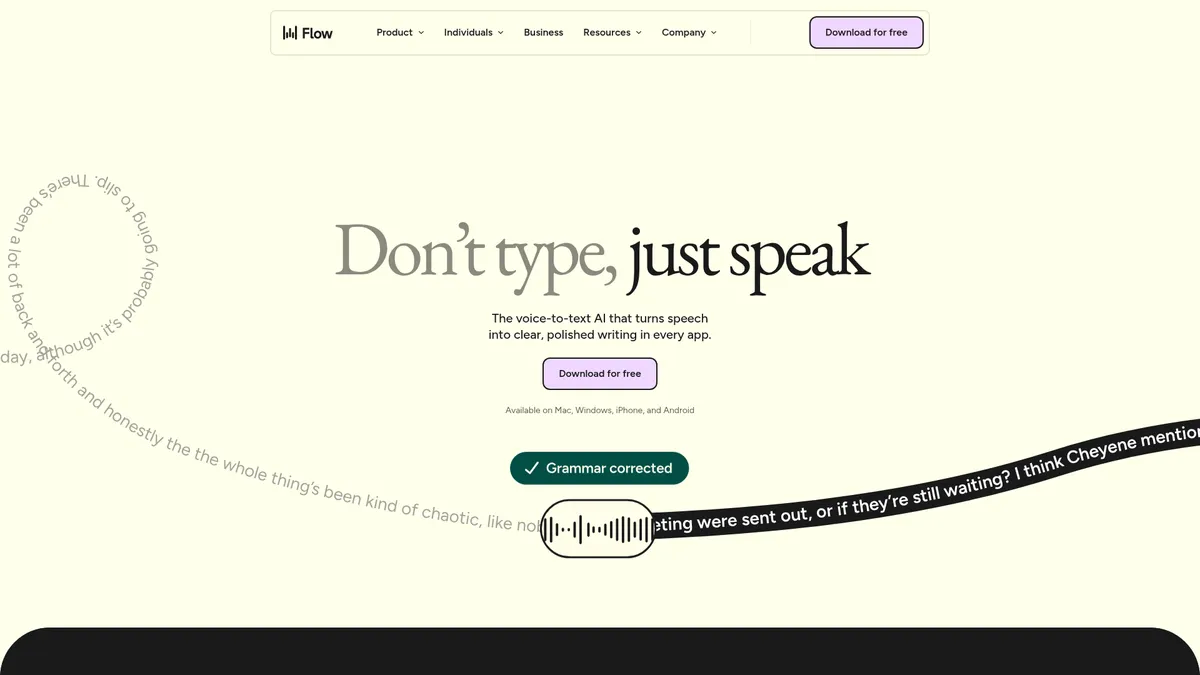
What is Wispr Flow?
How to Use Wispr Flow
Getting started with Wispr Flow takes just a few minutes. Here's how to install, configure, and start dictating hands-free across all your applications on any device.
Download and install Flow
Download Flow from the official website for macOS or Windows, or grab the app from the App Store (iOS) or Google Play (Android). Installation is straightforward—follow the on-screen prompts to grant necessary permissions for microphone access and accessibility controls.
Create your free account
Sign up for a free Wispr account using your email or Google/Apple SSO. No credit card is required for the Basic plan. You'll get immediate access to 2,000 words/week on desktop to test the service and see if it fits your workflow.
Configure your voice profile
Open Flow settings to customize your experience: set your preferred language from over 100 options, add custom dictionary entries for industry-specific jargon, create snippets for frequently used phrases, and enable privacy mode if you handle sensitive information.
Start dictating anywhere
Press the global hotkey (Option+Space on Mac, Alt+Space on Windows) to activate Flow. Speak naturally—Flow handles punctuation, capitalization, and formatting automatically. Tap the hotkey again to stop and insert the polished text into the active window.
Explore advanced Pro features
Upgrade to Flow Pro for a 14-day free trial to unlock command mode for voice editing, team collaboration tools, and early access to new AI models. Use voice commands like 'select last sentence', 'delete that', or 'new line' to edit entirely without touching your keyboard.
Wispr Flow Core Features
Wispr Flow Use Cases
- 1Professional writing and email drafting - Dictate polished emails, reports, and proposals directly into Gmail, Outlook, or any text editor without touching your keyboard, cutting writing time in half while maintaining professional formatting.
- 2Software development with voice coding - Programmers can insert code snippets, comments, and documentation via voice directly in VS Code, Replit, and other IDEs, reducing typing strain and boosting coding output significantly.
- 3Healthcare documentation - Clinicians record patient notes while maintaining HIPAA compliance with zero-data-retention mode, enabling faster charting without compromising sensitive medical information.
- 4Team communication and collaboration - Respond to Slack, Teams, Discord, and WhatsApp messages instantly using voice, with automatic formatting that produces clean, professional replies every time.
- 5Accessibility and hands-free computing - Users with motor impairments or repetitive strain injuries gain full computer control through voice, from dictation to editing and navigation, without needing a keyboard.
Pros and Cons of Wispr Flow
Pros
- True system-wide coverage - Unlike browser-only dictation tools, Flow works in literally any application on both desktop and mobile, making it a universal voice layer for your entire computing experience.
- Enterprise-grade privacy and compliance - With zero-data-retention mode, HIPAA readiness, and SOC 2/ISO 27001 certifications, Flow is built for regulated industries like healthcare, legal, and finance.
- Impressive multilingual support - Supporting over 100 languages out of the box, Flow is one of the most inclusive dictation tools available globally for non-English speakers.
- Generous free tier with no credit card - The free plan offers substantial utility for casual users, and the 14-day Pro trial unlocks full features risk-free without requiring payment details.
✕ Cons
- Free tier word limits restrictive for power users - 2,000 words/week on desktop and only 1,000/week on iPhone feel tight for anyone wanting to use dictation as their primary input method daily.
- Advanced features locked behind paywall - Command mode, team collaboration tools, and admin dashboards require a Pro or Enterprise subscription, which may frustrate budget-conscious users.
- Enterprise pricing is opaque - Custom pricing requires contacting sales, creating friction for organizations that want quick procurement without going through lengthy negotiation processes.
Wispr Flow vs Top Alternatives
| Feature | Dragon Professional | Otter.ai | Apple Dictation |
|---|---|---|---|
| System-wide Coverage | Desktop apps only (Windows, macOS) | Web app, mobile apps, browser extension | Built into macOS and iOS only |
| Languages Supported | English, German, French, Spanish, Italian, Dutch | English only | 60+ languages |
| Privacy & Security | On-premise, offline processing | SOC 2, GDPR, encryption at rest | On-device processing, no cloud upload |
| Starting Price | $150-$500 one-time license | Free tier + $16.99/mo Pro | Free (built into operating system) |
Wispr Flow Pricing
Flow Basic
- 2,000 words/week on Mac/Windows
- 1,000 words/week on iPhone
- Unlimited words on Android (promotional)
- Custom dictionary with snippets
- 100+ languages support
- Privacy mode (zero data retention)
- HIPAA-ready compliance
Flow Pro (Monthly)
- Unlimited words on all platforms
- Command-mode voice editing
- Prioritized customer support
- Early-access to new AI models
- Team collaboration tools
- All Basic features included
Flow Pro (Annual)
- Unlimited words on all platforms
- Command-mode voice editing
- Prioritized customer support
- Early-access to new AI models
- Team collaboration tools
- Billed annually at $144/year (20% discount)
Flow Enterprise
- All Pro features included
- Dedicated enterprise support
- SOC 2 Type II & ISO 27001 certified
- Enforced HIPAA & privacy mode
- SSO/SAML authentication
- Admin dashboards & analytics
- Bulk pricing for teams
- Developer API access
Wispr Flow FAQ
How does Wispr Flow work?+
Is Wispr Flow free?+
What languages does Flow support?+
Is my data private and secure with Flow?+
What apps and platforms does Flow integrate with?+
Can I use Flow for coding and development?+
What is the difference between Flow Pro and Flow Enterprise?+
Wispr Flow Review — Editor's Score
Who Should Use Wispr Flow?
Flow is ideal for professionals who spend hours typing daily—writers, developers, customer support agents, healthcare workers, and anyone with accessibility needs or repetitive strain injuries. It's also a strong fit for multilingual teams and organizations in regulated industries requiring HIPAA or SOC 2 compliance.
Wispr Flow is one of the most polished system-wide dictation tools we've tested. Its combination of universal app coverage, strong privacy protections, and support for over 100 languages makes it a standout in a crowded market. While the free tier's word limits can feel tight for heavy users, the Pro plan offers excellent value for anyone looking to boost their typing speed and reduce strain.
- True system-wide dictation across all desktop and mobile apps
- Zero-data-retention privacy mode with HIPAA compliance
- Support for 100+ languages out of the box
- Enterprise-grade security certifications (SOC 2, ISO 27001)
📺 Wispr Flow Tutorials & Introduction
The One AI Tool I Use 143 Times Per Day (Wispr Flow) - YouTube
The AI Dictation Tool That Changed Everything (Wispr Flow AI ...
Wispr Flow Tutorial & Walkthrough (2026) - YouTube
Keywords: