

Webflow
Build production-ready websites visually with AI
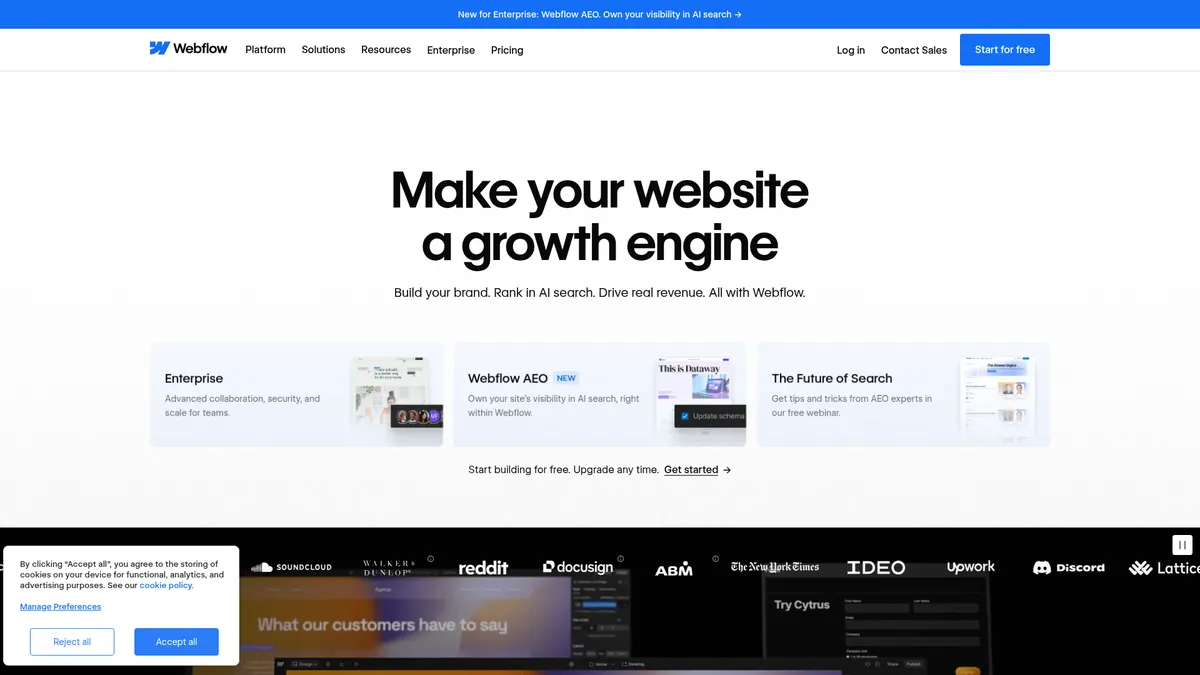
What is Webflow?
How to Use Webflow
Getting started with Webflow is straightforward — even if you've never built a website before. The visual designer lets you create professional pages by dragging and dropping elements, while AI tools help with content and SEO. Here's a step-by-step guide to launching your first Webflow site.
Sign up and choose a starting point
Create a free Webflow account and browse the template library. You can start from a pre-built template tailored to your industry or begin with a blank canvas. The free Starter plan is enough to explore the platform before committing.
Design your site with the visual builder
Use the drag-and-drop interface to add and arrange elements like text blocks, images, buttons, and forms. The visual designer generates clean HTML and CSS as you work. Use responsive breakpoints to fine-tune how your site looks on desktop, tablet, and mobile.
Add dynamic content with the CMS
Create content collections (like blog posts or team members) with custom fields. Connect these collections to your design using dynamic lists and detail pages. You can also use AI to generate CMS content in bulk, saving hours of manual copywriting.
Configure SEO and AI optimization
Set meta titles, descriptions, and Open Graph data for every page. Use Webflow's AEO tools to add structured data and LLM-friendly markup that helps your site perform well in both search engines and AI-powered discovery tools.
Publish and launch your site
Connect a custom domain, review your site with the preview mode, and hit publish. Webflow hosts your site on a global CDN with automatic SSL and scaling. You can iterate and republish changes in real time without any downtime.
Webflow Core Features
Webflow Use Cases
- 1Marketing & Brand Websites — Rapidly launch campaign microsites and SEO-optimized landing pages with AI-generated copy, perfect for brand storytelling and demand generation teams.
- 2E-commerce Stores — Build full product catalogs with custom checkout flows, payment gateway integrations, and inventory management — all without touching a line of backend code.
- 3SaaS & Product Landing Pages — Create dynamic content pages with CRM integrations, analytics dashboards, and personalized user experiences that convert visitors into customers.
- 4Agency & Freelance Delivery — Deliver client-managed sites with no-code handoff, white-label control, collaborative workspaces, and reusable component libraries for scale.
- 5Enterprise Internal Portals — Build secure, governed sites for employee communication, documentation, and localized content distribution with audit logs and SSO access control.
Pros and Cons of Webflow
Pros
- End-to-end visual development eliminates hand-off bottlenecks between designers and developers, drastically speeding up website delivery timelines.
- AI assistance for copywriting and page creation reduces time-to-market, letting you generate CMS content and page sections from simple text prompts.
- Robust CMS and localization tools make Webflow enterprise-ready for global brands managing multi-language sites with structured content needs.
- Enterprise-grade security with granular permissions, SSO, SOC-2 compliance, and dedicated SLA-backed support provides peace of mind for large organizations.
✕ Cons
- Enterprise pricing can be prohibitive for small agencies or startups, with Team plans starting at $2,500 per month on annual contracts.
- Learning curve for non-designers unfamiliar with visual design tools and web development concepts like responsive breakpoints and CSS positioning.
- Bandwidth and CMS item limits on lower-tier plans may force upgrades for high-traffic sites, and deep backend logic still requires external hosting.
Webflow vs Top Alternatives
| Feature | WordPress | Squarespace | Wix | Framer |
|---|---|---|---|---|
| Visual Design & No-Code | Requires plugins for drag-and-drop | Polished drag-and-drop builder | Strong drag-and-drop editor | Excellent visual design capabilities |
| AI-Powered Features | AI features via third-party plugins | Basic AI copywriting tools | AI site creation (Wix ADI) | AI content generation features |
| CMS & Content Management | Powerful native CMS with custom post types | Good CMS but less flexible | Decent CMS with app integrations | Basic CMS, less powerful |
| Enterprise & Governance | Self-hosted, needs managed hosting | Limited enterprise governance | Enterprise plan available | Limited enterprise features |
Webflow Pricing
Starter
- Webflow.io subdomain
- 2 static pages
- 1 GB bandwidth
- 50 form submissions per month
Basic
- Custom domain
- 300 static pages
- 10 GB bandwidth
- Unlimited form submissions
- Password protection
Premium
- Full CMS access
- 50 GB+ bandwidth
- Code components
- Site search
- File uploads
Team
- Localization tools
- AEO AI agents
- Publishing workflows
- Activity logs
- Enhanced security
- Priority support
Enterprise
- All Team features
- Enterprise-scale hosting
- Granular permissions
- Custom roles
- Advanced governance
- Dedicated account manager
- SLA guarantees
Webflow FAQ
What is Webflow and how does it work?+
Is Webflow free to use?+
Can I build an e-commerce store with Webflow?+
What AI features does Webflow offer?+
What is Webflow AEO?+
Can I export my Webflow site and host it elsewhere?+
How does Webflow compare to WordPress?+
Webflow Review — Editor's Score
Who Should Use Webflow?
Marketers, designers, and agencies who want to build custom websites without engineering bottlenecks. Also ideal for enterprise teams that need multi-language sites with strong governance. If you're a solo developer who prefers coding everything from scratch, Webflow may feel restrictive.
Webflow is the gold standard for visual, no-code web development in 2024. The AI features genuinely accelerate content creation without feeling gimmicky, and the CMS is powerful enough for most mid-market and enterprise use cases. It's not cheap on higher tiers, but the speed and quality gains justify the investment for teams that need custom, production-ready sites fast.
- AI-powered content generation accelerates page creation and copywriting by 10x
- Visual designer outputs clean, production-ready HTML/CSS/JS code
- Enterprise-grade localization and governance tools for global brands
- 3.5M+ users and $335M in funding validate the platform's market leadership
📺 Webflow Tutorials & Introduction
Build a Website with Webflow AI (Beginners Crash Course) - YouTube
Webflow AI - The No Code Smart Way To Create a ... - YouTube
How to Go from Prompt to Production with Webflow App Gen (Full AI ...
Keywords: