
Tempo
AI-powered home gym and virtual personal training
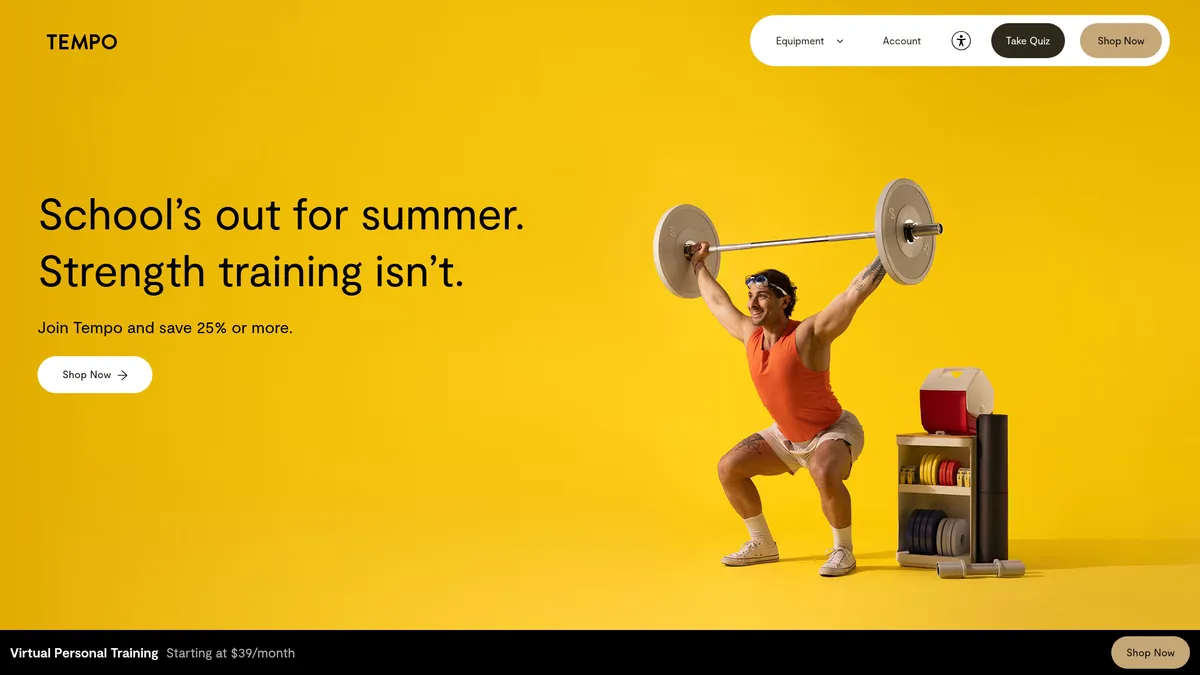
What is Tempo?
How to Use Tempo
Getting started with Tempo is straightforward. Follow these steps to set up your AI-powered home gym and begin your personalized fitness journey with real-time coaching and smart weight tracking.
Choose your equipment setup
Select between the compact Move Gym or the premium Studio Suite based on your available space, budget, and fitness goals. Both setups include smart weights with color-coded recognition and full AI tracking capabilities.
Set up your Tempo hardware
Unbox your Tempo equipment and follow the guided setup process. The Move Gym fits into a compact cabinet for easy storage, while the Studio Suite requires mounting the 42-inch touchscreen and arranging your weight station.
Download the app and create your profile
Install the Tempo app on your iPhone, create your account, and complete the initial fitness assessment including a 3D body scan. The AI uses this data to build your personalized training plan tailored to your body and goals.
Complete your first AI-guided workout
Start with your first training session where the AI tracks every movement, counts your reps, and provides real-time form corrections. The system adapts the workout based on your performance and energy levels.
Tempo Core Features
Tempo Use Cases
- 1Strength training and fitness - Build muscle and improve overall fitness with personalized strength programs guided by AI that tracks your form and progress in real time, adjusting weight recommendations as you get stronger.
- 2Home workouts and personal training - Transform any room into a personal gym with compact equipment and virtual training sessions, eliminating the need for expensive gym memberships or daily commutes to a fitness center.
- 3Rehabilitation and injury recovery - Safely return to exercise with training plans that adapt to your specific injuries or limitations, ensuring you rebuild strength without risking further damage or re-injury.
- 4Pregnancy and postpartum fitness - Stay active throughout your pregnancy journey with customized workouts designed for prenatal and postnatal needs, with automatic intensity adjustments as your body changes.
- 5Busy schedule convenience - Fit effective workouts into your daily routine with flexible scheduling and on-demand sessions that work around your calendar, plus reminders to keep you accountable.
Pros and Cons of Tempo
Pros
- Convenient home setup eliminates commute time and gym membership fees while providing professional-grade equipment and AI coaching in one integrated system.
- Personalized training plans genuinely adapt to your fitness level, goals, and physical limitations, offering real customization rather than generic one-size-fits-all routines.
- Advanced tracking technology including 3D body scans and real-time form feedback provides data-driven insights into your progress and helps prevent injury.
- Strong community support with over 9,700 members sharing motivation, tips, and accountability through dedicated social channels and integrated Facebook group.
✕ Cons
- Significant upfront investment required with 12-month payment commitment for equipment, making it less accessible than traditional gym memberships or subscription-only apps.
- Hardware dependency means you're locked into Tempo's ecosystem; third-party weights can be used but lack smart recognition and require manual entry.
- Limited offline capabilities as most features require internet connectivity and an iPhone or compatible device for full functionality and real-time coaching.
Tempo vs Top Alternatives
| Feature | Peloton | Mirror (Lululemon Studios) | Tonal |
|---|---|---|---|
| AI Coaching & Form Feedback | Instructor-led classes with live and on-demand format; limited automated form feedback | On-demand and live classes displayed on a full-length mirror; no automated form correction | AI-powered digital resistance system with form guidance and real-time feedback |
| Monthly Membership Price | $44/month for All-Access membership plus equipment costs | $39/month membership plus $1,495 for the Mirror device | $59/month membership plus $3,495 for wall-mounted unit |
| Hardware Required | Bike, Tread, or Row machine starting at $1,445 | Full-length reflective touchscreen display; optional heart rate monitor | Wall-mounted digital resistance unit with electromagnetic weight system |
| Community & Social Features | Large community with leaderboards, challenges, and social features | Live classes, community challenges, and personalized class recommendations | Built-in workout programs, Spotify integration, and detailed performance analytics |
Tempo Pricing
AI Personal Training
- AI-powered virtual coaching with real-time form correction
- Personalized workout programming adapted to your goals
- 3D body scanning and body composition analysis
- Progress tracking with performance insights
- Community access with 9,700+ members
- Rewards and badge system for motivation
Move Gym Bundle
- AI Personal Training subscription included
- Move Gym compact cabinet with smart weights
- Up to 100 lbs weight set with color-coded recognition
- Compact storage design for small spaces
- Real-time rep counting and form feedback
Studio Suite Bundle
- AI Personal Training subscription included
- 42-inch built-in touchscreen display
- Up to 255 lbs weight set with Olympic barbell
- Dumbbells and barbell for full-body training
- Immersive workout experience with video guidance
Tempo FAQ
How does Tempo's AI weight recognition work?+
Can I use my own weights with Tempo?+
What equipment do I need to get started with Tempo?+
Is Tempo suitable for complete beginners?+
Can multiple people in my household use the same Tempo?+
What if I have an injury or medical condition?+
How much space do I need for the Tempo equipment?+
Tempo Review — Editor's Score
Who Should Use Tempo?
Tempo is ideal for fitness enthusiasts who prefer home workouts but want the accountability and guidance of a personal trainer, as well as those who value data-driven progress tracking and AI-powered form correction over generic workout content.
Tempo delivers a compelling AI-driven home fitness experience that combines smart hardware with intelligent coaching. While the upfront cost and subscription commitment may deter budget-conscious users, those who invest will find a polished, data-rich training platform that genuinely adapts to individual needs and fitness levels.
- AI-powered real-time form correction and tracking
- Smart weight recognition with color-coded system
- Personalized training adapting to injuries and lifestyle
- Comprehensive 3D body scanning for progress measurement
📺 Tempo Tutorials & Introduction
One AI Tool To Revolutionize Product Teams! Tempo Labs Overview
building an app with AI has never been easier | Tempo Tutorial
How to Use Tempo AI Coding for Beginners | Ultimate Tutorial
Keywords: