

Softr
Describe your app, AI builds it instantly
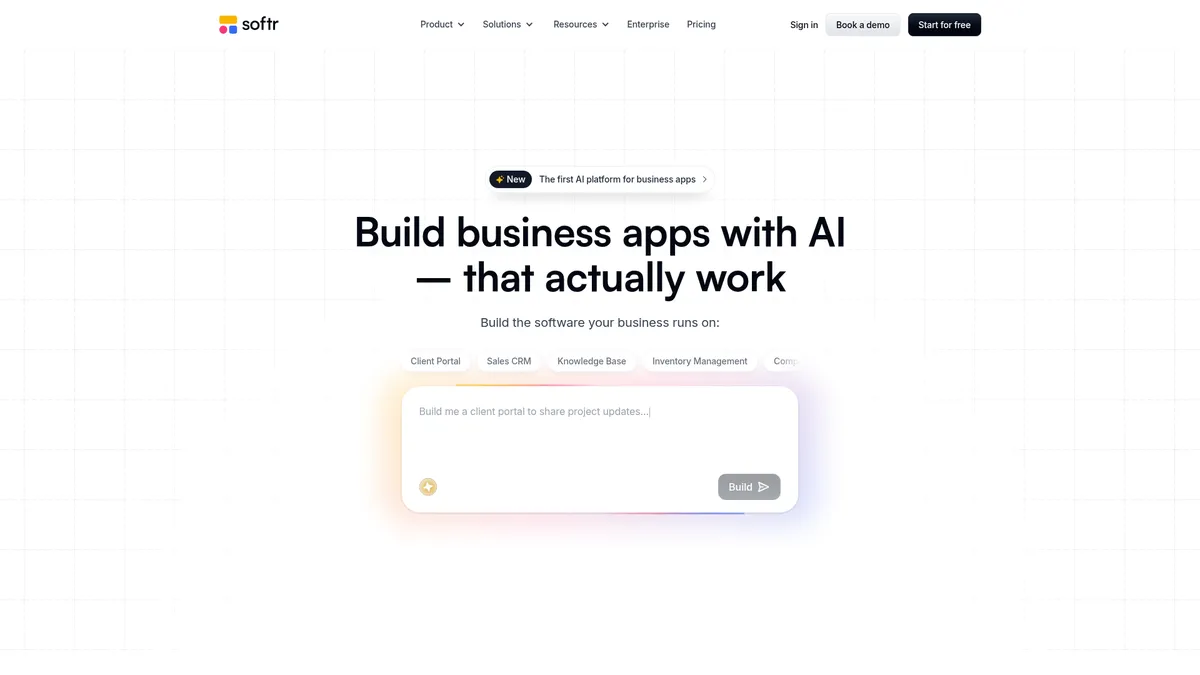
What is Softr?
How to Use Softr
Getting started with Softr is remarkably straightforward. Follow these steps to go from idea to a published business app in under an hour.
Sign Up and Describe Your App
Create a free Softr account and use the AI assistant to describe the app you want to build. Be as specific as possible about the purpose, the data you need to track and who will use it. The AI will use this description to generate the initial structure.
Choose a Template or Start from Scratch
Browse Softr's library of pre-built templates for portals, CRMs, dashboards and intranets. Pick one that matches your needs to save time, or start with a blank canvas and let the AI build everything from your description.
Connect Your Data Source
Link Softr to your existing data in Airtable, Google Sheets, Notion or another supported platform. The app will automatically pull in your records and display them in your chosen layout, keeping everything in sync.
Customize with the Drag-and-Drop Editor
Fine-tune your app's layout, add or remove components, adjust colors and styling, and configure workflows. Set up role-based permissions to control who can see and do what within your app.
Publish and Share Your App
Hit publish to make your app live instantly on a Softr subdomain or your own custom domain. Share the link with your team or clients and start collecting data, managing workflows and collaborating right away.
Softr Core Features
Softr Use Cases
- 1Client and Vendor Portals: Create secure external portals where clients track project progress, access files and communicate with your team. Perfect for agencies and consultancies that need real-time updates without endless email chains.
- 2Custom CRM and Sales Pipelines: Build a sales tracking system that matches your exact workflow from lead capture to closed deals. Integrate existing data sources and automate follow-up emails to keep opportunities moving.
- 3Inventory Management Systems: Track stock levels, manage suppliers and monitor orders across multiple locations. Set up automated alerts for low inventory and generate reports to forecast demand.
- 4Company Intranet and Knowledge Base: Build an internal hub for announcements, employee directories, documentation and FAQs. Give your team a single searchable source of truth that's always up to date.
- 5Operational Dashboards and Reporting: Visualize key business metrics from multiple data sources in one place. Monitor sales performance, project status or financial KPIs with real-time charts.
Pros and Cons of Softr
Pros
- Lightning-fast time to value: Go from idea to a published, functional app in a single day thanks to AI-assisted generation and pre-built templates, making it one of the fastest no-code platforms available.
- Generous free tier with unlimited apps: The $0 plan supports unlimited apps and unlimited collaborators, which is rare among no-code platforms and perfect for teams exploring the tool's capabilities.
- Wide range of native integrations: Connects directly with Airtable, Google Sheets, Notion, HubSpot, MySQL, PostgreSQL and REST APIs, so you build on your existing data stack without manual imports.
- Strong security and access controls: Role-based permissions, custom authentication and custom domain with SSL give businesses confidence to deploy external-facing applications securely.
✕ Cons
- Limited advanced customization: Complex multi-step workflows, advanced API logic and deeply custom UI components may require workarounds, making it less suitable for highly specialized enterprise needs.
- Pricing can scale quickly: While the free tier is generous, moving to higher data limits or AI credits gets expensive, and enterprise pricing is not transparently listed on the website.
- No on-premise deployment option: Softr is fully cloud-hosted with no self-hosting or data residency controls, which may be a dealbreaker for regulated industries with strict compliance requirements.
Softr vs Top Alternatives
| Feature | Bubble | Adalo | Glide | Airtable |
|---|---|---|---|---|
| AI App Generation | Not available, manual setup | Not available | Template-based only | AI for formulas only |
| Native Integrations | Plugin ecosystem, fewer native | Limited native sources | Google Sheets, Airtable | Extensive marketplace |
| Access Controls | Granular RBAC system | Basic user roles | User segmentation | Field-level permissions |
| Free Tier | Free plan with branding | Free plan, 1 app limit | Free plan, limited rows | Free plan, 1K records |
Softr Pricing
Free
- 5 AI credits per month
- Up to 10 app users
- 5,000 Softr DB records
- 500 workflow actions
- Unlimited apps and collaborators
- Custom domain support
- Unlimited form responses
Basic
- 10 AI credits per month
- Up to 20 app users
- 50,000 Softr DB records
- 2,500 workflow actions
- All Free plan features
- Add-on AI credits available
Softr FAQ
What is Softr and who is it for?+
Do I need coding experience to use Softr?+
What kind of apps can I build with Softr?+
Does Softr have a free plan?+
What data sources can Softr connect to?+
Can I use my own domain and branding?+
How does Softr's AI app generation work?+
Softr Review — Editor's Score
Who Should Use Softr?
Ideal for non-technical business users, operations managers, founders and small agencies who need to build client portals, internal tools or custom CRMs quickly without coding. Also great for teams already using Airtable, Google Sheets or Notion who want to wrap their data in a more polished, app-like interface.
Softr is one of the most accessible no-code platforms we've tested, combining the speed of AI-assisted app generation with a robust drag-and-drop builder. It excels at turning spreadsheets and databases into polished, functional applications in record time. While it has limitations for complex enterprise-grade workflows, its generous free tier and wide integration support make it an outstanding choice for small to medium-sized teams building custom business tools without hiring developers.
- AI-powered app generation turns plain language descriptions into functional applications in minutes
- Generous free tier supports unlimited apps and collaborators with no time limit
- Deep integrations with 10+ data sources including Airtable, Google Sheets and PostgreSQL
📺 Softr Tutorials & Introduction
How I Built a Client Portal & CRM With AI (Softr Tutorial) - YouTube
This App Builder Actually Works (Client portal tutorial) - YouTube
Softr Review: Pros, Cons & Pricing - YouTube
Keywords: