

SavvyCal
The scheduling platform that respects your time
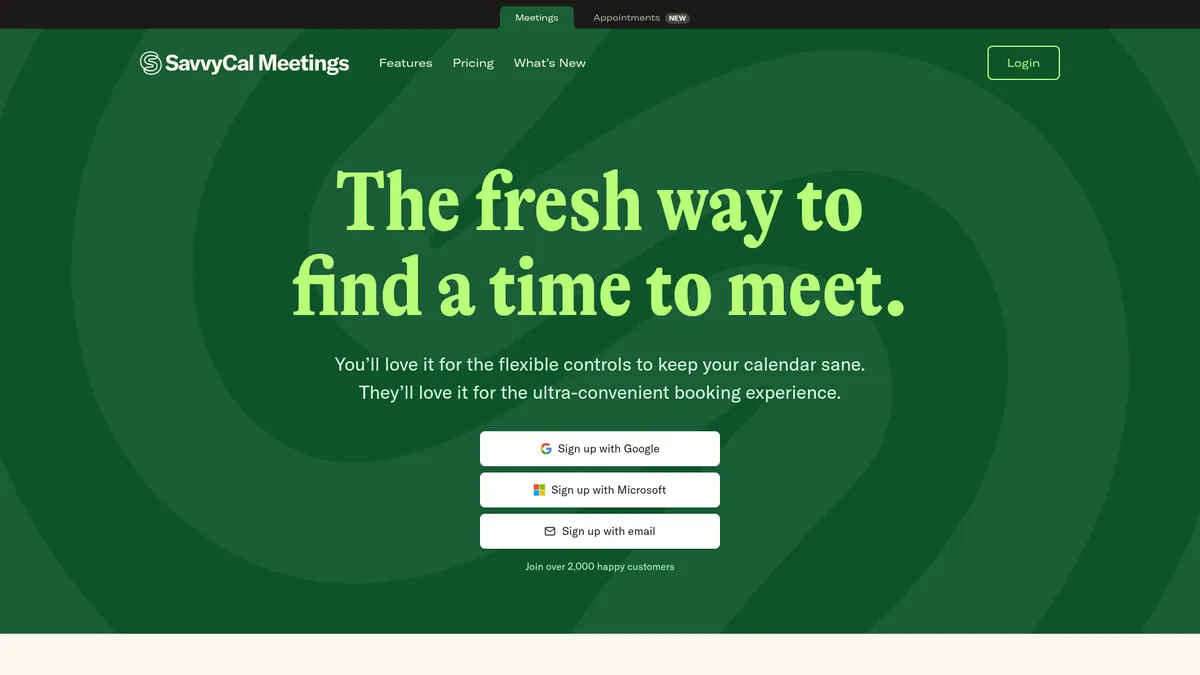
What is SavvyCal?
How to Use SavvyCal
Ready to streamline your scheduling with SavvyCal? Getting started takes just a few minutes. Follow these steps to set up your account, customize your booking page, and start accepting meetings with ease.
Create your SavvyCal account
Sign up for a free 30-day trial on the SavvyCal website. Choose between Basic and Premium plans during setup, or start with Basic and upgrade later. Connect your Google Calendar or Outlook to sync your availability.
Configure your availability preferences
Set your weekly working hours, define buffer times between meetings, and establish daily or weekly meeting limits. Use time-blocking to protect deep work periods and enable preferred slots to optimize for your most productive hours.
Customize your booking page
Add your logo, choose brand colors, upload a banner image, and set your avatar. On the Premium plan, you can connect a custom domain and remove SavvyCal branding for a completely white-label experience.
Create your first scheduling link
Click 'New Scheduling Link' and configure the meeting duration, location (Zoom, Google Meet, phone, etc.), and any questions for invitees. Choose between one-on-one, Collective, Round-Robin, or Group mode depending on your needs.
Share your link and start scheduling
Copy your scheduling link and share it via email, embed it on your website with the widget, or use the Chrome extension for quick access. Invitees will see your week-view calendar with the option to overlay their own calendar for friction-free booking.
SavvyCal Core Features
SavvyCal Use Cases
- 1Individual consultants and freelancers can create polished booking links with custom branding and domains, making every scheduling interaction feel professional. The week-view interface with calendar overlay reduces the back-and-forth typically involved in finding a meeting time, letting clients self-serve effortlessly.
- 2Small teams and startups use Collective and Round-Robin modes to handle internal standups and external client calls without manual coordination. Team members maintain their own availability while presenting a unified scheduling front to clients and partners.
- 3Sales and customer support groups leverage Round-Robin distribution to route incoming meeting requests to the right person automatically. This ensures leads and support issues are handled promptly without overloading any single team member.
- 4Recruiters and hiring managers can set up structured interview scheduling with time-blocking and preferred slots. Buffer features prevent back-to-back interviews, giving hiring teams time to debrief and document feedback between candidates.
- 5Webinar hosts, coaches, and educators can use Group mode to let multiple participants book into the same session. This works perfectly for workshops, group coaching calls, and live Q&A sessions where you want to maximize attendance without double-booking yourself.
Pros and Cons of SavvyCal
Pros
- Intuitive week-view UI with calendar overlay dramatically reduces scheduling back-and-forth by letting invitees see their availability at a glance and pick a truly workable slot.
- Deep branding controls and custom domain support give professionals and teams a polished, white-label scheduling experience that reinforces brand identity on every interaction.
- Robust availability defense features—buffers, time-blocking, meeting limits, and preferred slots—offer granular control over your calendar to protect focus time and prevent burnout.
- Flexible team scheduling modes (Collective, Round-Robin, Group) adapt to different workflows, from collaborative team availability to automated meeting distribution to multi-participant sessions.
✕ Cons
- No permanent free plan is available, making it less accessible for casual users or those on tight budgets compared to competitors that offer free tiers with basic functionality.
- Key features like custom domains, paid bookings, and advanced automation are locked behind the Premium tier, which may be essential for growing teams but adds to the overall cost.
- The extensive feature set and advanced availability controls can feel overwhelming for non-technical users or those simply wanting a basic booking link, requiring some upfront time investment to learn.
SavvyCal vs Top Alternatives
| Feature | Calendly | Cal.com | Acuity Scheduling |
|---|---|---|---|
| Calendar overlay | No invitee calendar overlay | No invitee calendar overlay | No invitee calendar overlay |
| Week-view interface | Traditional day grid view | List/traditional day view | Traditional grid view |
| Team scheduling modes | Available on Teams plan | Available on Enterprise plan | Available on paid plans |
| Free tier available | Yes, basic free plan | Yes, open source free | No free plan |
SavvyCal Pricing
Basic
- Unlimited scheduling links
- Unlimited calendars
- Team scheduling modes (Collective, Round-Robin, Group)
- Meeting polls
- Calendar connections (Google, Outlook)
- Basic branding controls
Premium
- Everything in Basic
- Custom domains for white-label scheduling
- Delegated assistant access
- Paid bookings via Stripe
- Advanced branding (remove SavvyCal logo)
- API & webhooks
- Automation & workflow triggers
SavvyCal FAQ
Does SavvyCal offer a free plan?+
How does the calendar overlay feature work?+
Can I use my own domain for scheduling pages?+
What team scheduling modes does SavvyCal support?+
What integrations does SavvyCal offer?+
Is there a mobile app for SavvyCal?+
Can I accept payments through SavvyCal?+
SavvyCal Review — Editor's Score
Who Should Use SavvyCal?
SavvyCal is ideal for independent consultants, freelancers, and small-to-medium teams who want a polished scheduling experience that respects both their time and their invitees'. It's particularly well-suited for those struggling with meeting overload who need robust controls to protect focus time. Sales teams, recruiters, and service providers scheduling many external meetings will also benefit from the Round-Robin and Group modes.
SavvyCal is a breath of fresh air in the crowded scheduling market. Its week-view interface and calendar overlay genuinely improve the booking experience, while the availability defense features show a deep understanding of how knowledge workers use their time. The lack of a free plan and premium paywall on key features are drawbacks, but for professionals who prioritize scheduling quality, it's a worthy investment.
- Week-view interface with calendar overlay transforms the invitee experience
- Powerful availability defense system protects focus time and prevents burnout
- Flexible team scheduling modes adapt to any workflow or team structure
- Deep branding and custom domain support delivers a professional white-label experience
📺 SavvyCal Tutorials & Introduction
SavvyCal: Booking Assistant for Meetings | Full Review - YouTube
SavvyCal Review: Is it the best meeting scheduler tool? - YouTube
Best Scheduling Software 2026? Calendly vs Cal.com vs ... - YouTube
Keywords: