

Loudly
AI Music Generator for Royalty-Free Tracks
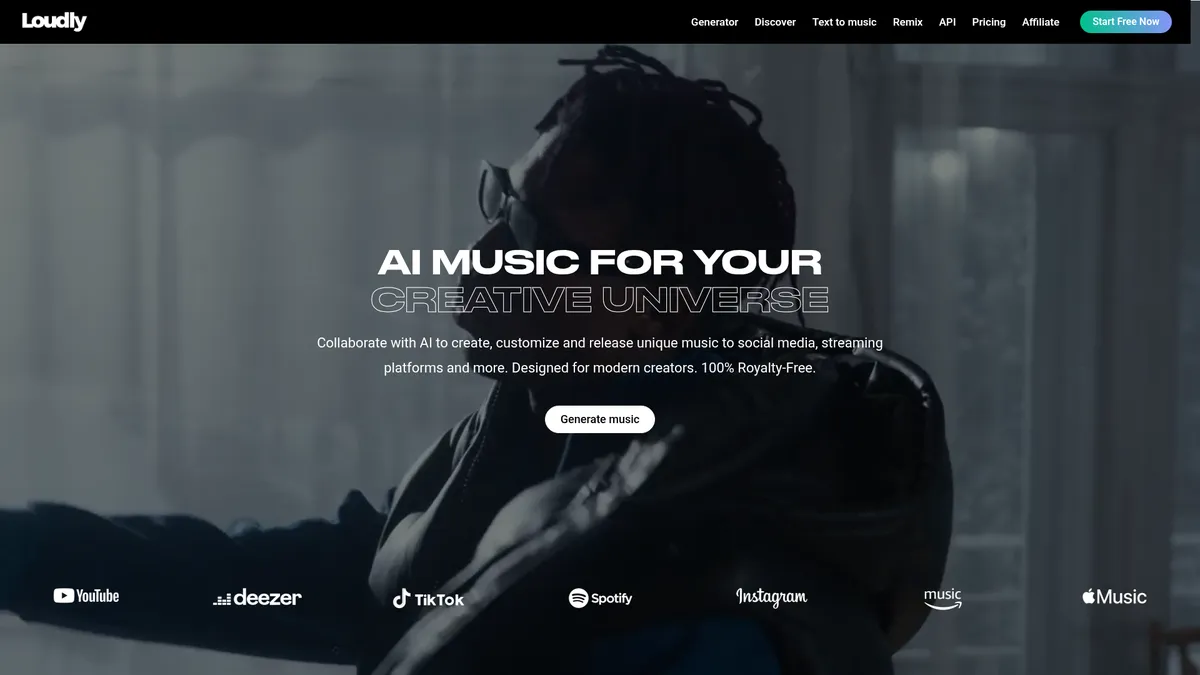
What is Loudly?
How to Use Loudly
Loudly makes it easy to create custom, royalty-free music in just a few steps. Whether you need a background track for a video or a full song with stems, the platform's AI handles the heavy lifting. Here's how to get started.
Choose Your Creation Method
Select from Text-to-Music (type a prompt), Parameter-based (choose genre, mood, energy), or upload your own track to remix. Each method tailors the AI output to your needs.
Customize Your Track
Adjust elements like tempo, intensity, and instrumentation. You can also select specific genres (pop, EDM, cinematic, lo-fi) and energy levels to match your project's vibe.
Generate and Preview
Click generate and preview the result in seconds. If it's not quite right, tweak the parameters and generate again. The speed makes iteration painless.
Export or Distribute
Download your track as MP3 or high-resolution WAV/AIFF, export stems, or create a sample pack. You can also publish directly to streaming platforms like Spotify and TikTok with one click.
Collaborate and Share
Use the collaboration workspace to share projects with team members for joint editing. Track usage and analytics from your dashboard.
Loudly Core Features
Loudly Use Cases
- 1Content Creators (TikTok, Instagram, YouTube): Quickly generate royalty-free background music that matches the vibe of your video. No more hunting through stock libraries or worrying about copyright claims. Just type a mood and genre, and you get a ready-to-use track in seconds.
- 2Filmmakers & Video Editors: Create custom cinematic scores and export isolated stems to fine-tune timing and transitions. Loudly's AI lets you adjust energy levels and instrumentation to match scene dynamics, all without a composer.
- 3Game & Multimedia Developers: Integrate dynamic soundtracks via API that adapt to gameplay or user interactions. Generate infinite variations of music themes to keep players engaged without repeating tracks.
- 4Musicians & Producers: Download sample packs and stems from any Loudly track for remixing or sampling in your DAW. Use the AI as a creative spark when you're stuck or need quick inspiration for a new project.
- 5Start-ups & SMEs: Produce branded audio for ads, podcasts, and corporate videos without licensing headaches. Loudly's global license covers commercial use, so you can focus on your message.
Pros and Cons of Loudly
Pros
- Ultra-fast generation (<5 seconds) lets you iterate and experiment without waiting, making it ideal for tight deadlines.
- 100% royalty-free, worldwide license with commercial rights eliminates legal risks and takedown fears.
- All-in-one platform combining generation, remixing, sample packs, stems, and distribution streamlines the music production workflow.
- Ethical AI dataset built with consent and transparency ensures copyright compliance and future-proofs your content.
✕ Cons
- Pricing is not transparent; you must contact sales for paid plans, which can be a barrier for quick purchasing decisions.
- AI-generated music can sometimes sound generic or formulaic, requiring manual tweaking to achieve a unique sound.
- The free tier limits generation volume, which may be restrictive for high-output creators who need frequent new tracks.
Loudly vs Top Alternatives
| Feature | Soundraw | Boomy | Mubert |
|---|---|---|---|
| AI Generation Speed | ~10 seconds generation | ~30 seconds generation | Real-time generation |
| Commercial License | Standard royalty-free license | Royalty-free for released tracks | Royalty-free for subscribers |
| Stems & Sample Packs | Stems export available | Basic stems (vocals only) | No stems or sample packs |
| Streaming Distribution | No built-in distribution | Publish to Spotify, Apple Music | API integration for apps |
Loudly Pricing
Free
- Generate limited tracks per month
- MP3 downloads
- Access to 150k+ sounds
- Basic customization
Pro
- Unlimited generations
- WAV/AIFF export
- Stems and sample packs
- One-click distribution
- API access
- Commercial license
Loudly FAQ
What is Loudly?+
Is the music from Loudly truly royalty-free?+
How fast is the AI generation?+
Can I export stems or individual instrument tracks?+
Can I distribute my Loudly tracks to Spotify and Apple Music?+
Does Loudly have an API?+
How much does Loudly cost?+
Loudly Review — Editor's Score
Who Should Use Loudly?
Loudly is ideal for content creators (YouTubers, TikTokers, streamers), filmmakers, game developers, and musicians who need fast, copyright-safe music and want the flexibility to customize and distribute tracks without legal hassles.
Loudly stands out as one of the fastest and most comprehensive AI music generators available. Its combination of text-to-music, stems export, sample pack builder, and built-in distribution makes it a powerful all-in-one tool for content creators. While the opaque pricing and occasional generic output hold it back, its speed and ethical AI foundation make it a strong choice for anyone needing quick, royalty-free music.
- Ultra-fast AI generation under 5 seconds
- All-in-one platform: generate, remix, stems, sample packs, distribute
- Ethical, consent-based AI dataset ensuring copyright compliance
- One-click distribution to major streaming platforms
📺 Loudly Tutorials & Introduction
How to Generate and Distribute Your AI Music with Loudly AI (Tutorial)
Loudly AI Music: Better Than Suno? 2026 (Detailed Comparison)
How to create an AI-generated song | AI Music Generator by Loudly
Keywords: