

Lifesum
Your AI nutritionist for personalized healthy eating
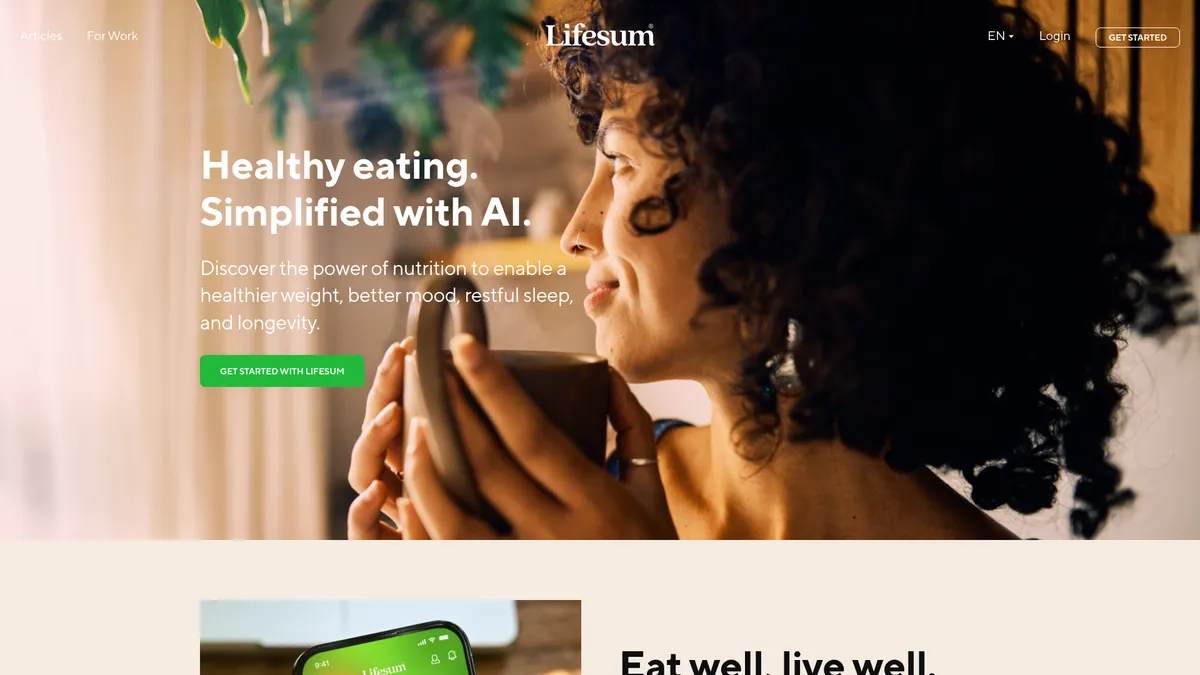
What is Lifesum?
How to Use Lifesum
Getting started with Lifesum is quick and intuitive. Follow these steps to set up your personalized nutrition profile and start tracking your meals like a pro using the app's AI-powered features.
Download, Sign Up, and Set Your Goals
Download Lifesum from the App Store or Google Play and create your account. You'll be prompted to enter your age, weight, height, activity level, and health goals—whether that's weight loss, muscle gain, or eating healthier. This data powers the AI personalization from day one.
Choose Your Diet Plan or Tracking Style
Select from dietitian-approved meal plans like keto, Mediterranean, or vegan, or opt for flexible macro tracking if you prefer more freedom. Lifesum will generate a customized daily calorie and nutrient target based on your selection and goals.
Start Tracking Meals with Multimodal Tools
Log your meals using the barcode scanner for packaged foods, snap a photo for AI recognition, or search the database manually. Use the one-tap trackers to quickly log water, fruits, and vegetables. The app automatically updates your daily nutrient breakdown.
Explore Insights, Sync Wearables, and Stay Consistent
Check your personalized insights and points dashboard to see patterns in your eating habits. Sync your Apple Watch or Galaxy Watch to track activity, and set reminders to build consistent healthy habits. Upgrade to Premium for the full AI-powered experience.
Lifesum Core Features
Lifesum Use Cases
- 1Weight loss and management: Set personalized calorie and macro targets, track meals with multimodal tools, and get AI-driven insights to stay on track and reach your goal weight sustainably.
- 2Healthy eating and nutrition tracking: Log meals effortlessly using the barcode scanner or photo recognition, monitor your protein, carbs, and fat breakdown, and build balanced eating habits that stick.
- 3Fitness and exercise integration: Sync Lifesum with your Apple Watch or Galaxy Watch to track activity levels, earn points for workouts, and adjust your nutrition based on energy expenditure.
- 4Sustainable habit building: Use one-tap trackers for water and veggie intake, set daily reminders, and leverage the gamified points system to turn healthy choices into a consistent routine.
- 5Personalized diet planning: Choose from dietitian-approved meal plans tailored to specific lifestyles—keto, paleo, Mediterranean, vegan, and more—and get recipes that match your dietary preferences.
Pros and Cons of Lifesum
Pros
- AI-driven personalization dynamically adjusts nutrient targets based on your goals, progress, and eating patterns for a truly tailored experience.
- Multimodal tracking—photo, barcode, and one-tap—makes logging meals faster and less tedious than traditional calorie counters.
- Seamless integration with Apple Watch, Galaxy Watch, and popular fitness apps keeps all your health data synchronized in one place.
- Dietitian-approved meal plans and expert-backed educational content provide credible guidance for various dietary preferences and lifestyles.
✕ Cons
- Free version is quite limited; most valuable AI features and detailed insights require a paid subscription.
- May not be suitable for users with complex medical dietary needs or conditions requiring specialized clinical nutrition management.
- The gamification and weight-loss focus may not appeal to users seeking a more holistic, non-weight-centric approach to wellness.
Lifesum vs Top Alternatives
| Feature | MyFitnessPal | Noom | Cronometer |
|---|---|---|---|
| AI-Powered Personalization | Basic calorie goal tracking with limited AI personalization | Psychology-based AI coaching focused on behavior change | Detailed nutrient tracking with minimal AI-driven adaptation |
| Meal Tracking & Barcode Scanner | Extensive food database with reliable barcode scanner | Manual food logging with no barcode scanner support | Comprehensive barcode scanner with micronutrient emphasis |
| Wearable & App Integration | Broad integration with wearables and fitness apps | Limited third-party app and wearable integration | Good wearable sync and app connectivity options |
| Customizable Diet Plans | Flexible macro tracking, fewer guided meal plans | Structured curriculum-based meal guidance program | Target-based tracking rather than preset diet plans |
Lifesum Pricing
Free
- Basic meal tracking
- Barcode scanner
- One-tap water tracker
- Limited food database access
Premium Monthly
- AI personalized insights
- Custom meal plans
- Detailed nutrient breakdown
- Wearable sync
- No ads
Premium Quarterly
- All Premium features
- Best value quarterly pricing
- Priority support
- Exclusive recipes
Premium Annual
- All Premium features
- Lowest monthly rate at $8.33/mo
- Exclusive recipes and content
- Priority support
Lifesum FAQ
What is Lifesum and how does it work?+
Is Lifesum free to use?+
How accurate is the barcode scanner?+
Can I use Lifesum for weight loss?+
Does Lifesum integrate with Apple Watch?+
What diet plans are available on Lifesum?+
How does Lifesum's AI personalization work?+
Lifesum Review — Editor's Score
Who Should Use Lifesum?
Health-conscious individuals, weight loss seekers, fitness enthusiasts, and anyone who wants personalized, AI-powered nutrition guidance without the obsessive calorie-counting mindset. It's ideal for people who appreciate smart technology and want a flexible, habit-building approach to eating better.
Lifesum stands out as a polished, AI-driven nutrition platform that makes healthy eating feel intuitive rather than tedious. Its multimodal tracking, personalized insights, and seamless wearable integration put it ahead of basic calorie counters. While the free version is limited and it may not suit users with complex medical dietary needs, for most people looking to build better eating habits, Lifesum delivers a compelling, user-friendly experience that justifies the premium subscription.
- Multimodal meal tracking with photo, barcode, and one-tap logging
- AI-powered personalized nutrient adjustments based on your goals
- Seamless sync with Apple Watch, Galaxy Watch, and fitness apps
- Dietitian-approved meal plans for keto, Mediterranean, and more
📺 Lifesum Tutorials & Introduction
Introduction to Lifesum - YouTube
Lifesum introduction: welcome to the app! - YouTube
What AI Photo Calorie Tracker Is Most Accurate? (CalAI vs. Snap ...
Keywords: