
Idomoo
Enterprise AI Video Creation Powered by Lucas Agent
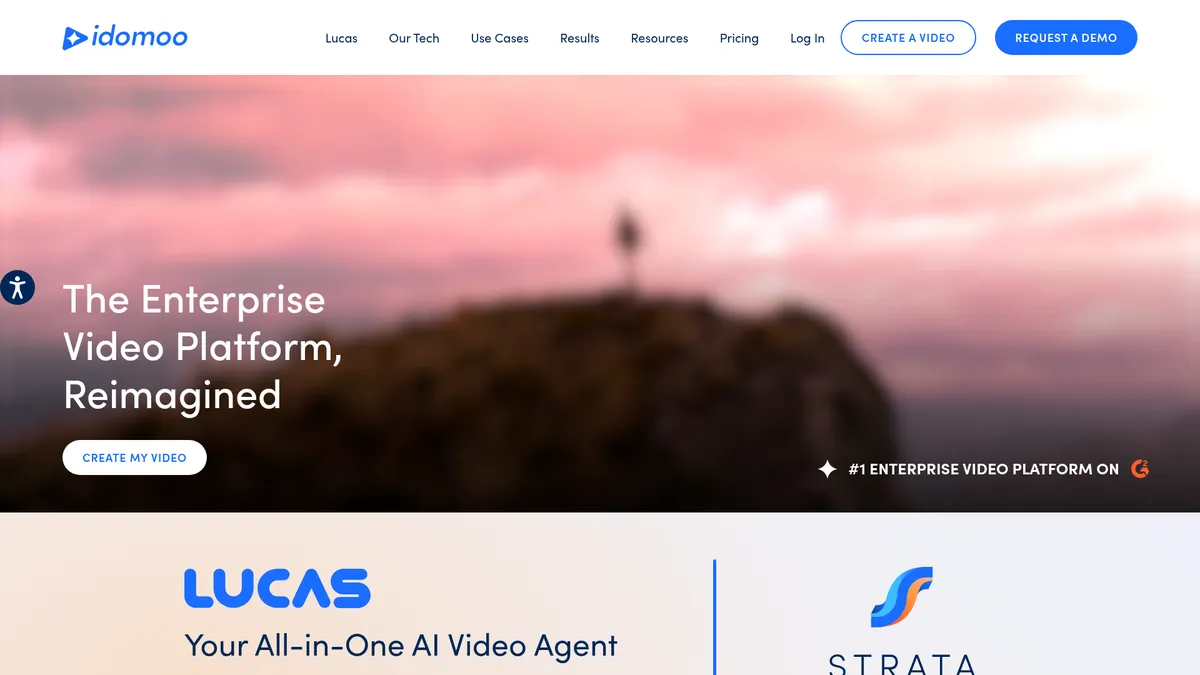
What is Idomoo?
How to Use Idomoo
Creating a personalized video with Idomoo's Lucas AI agent is fast and straightforward, even without video editing experience. Follow these five steps to go from concept to published video in minutes.
Set Up Your Brand Profile
Configure your brand voice, visual guidelines, logo assets, color palette, and content sources in the Idomoo platform. Lucas AI will learn these elements to ensure every generated video automatically aligns with your brand identity.
Create a New Video Project
Select from pre-built templates designed for common use cases like onboarding, billing, or marketing campaigns. Alternatively, start from scratch using the drag-and-drop editor to define your video structure and layout.
Generate with Lucas AI
Input your script, paste a URL, upload a document, or sync content from your libraries. Lucas AI processes your input and generates a complete video with fully editable layers including text, footage, graphics, and audio.
Personalize and Customize
Add viewer-specific data fields for names, offers, and product recommendations. Incorporate interactive elements like clickable CTAs, quizzes, and dynamic overlays. Preview how personalization renders for different audience segments.
Review, Edit, and Publish
Fine-tune individual layers, adjust timing, swap media assets, and review the final output using real-time preview. Once approved, publish directly to email, web, mobile apps, social platforms, or via API integration into your existing workflows.
Idomoo Core Features
Idomoo Use Cases
- 1Billing and account notifications: Send personalized video reminders for payments, account updates, and service changes to improve customer communication and reduce support calls.
- 2Upsell and cross-sell campaigns: Create targeted video messages with personalized product recommendations based on customer data, driving higher conversion rates and average order value.
- 3Customer onboarding and training: Deliver interactive video guides that welcome new users, explain product features, and reduce time-to-value with engaging, personalized content.
- 4Year-in-review summaries: Generate personalized recap videos that showcase customer milestones, achievements, or usage statistics to boost loyalty and retention.
- 5Internal training and explainers: Use Lucas AI to create consistent, on-brand learning and development videos for employees across departments and locations.
Pros and Cons of Idomoo
Pros
- AI-driven video creation dramatically reduces production time and costs compared to traditional video production workflows
- No-code interface empowers marketers and non-technical staff to produce professional-quality videos without creative tools expertise
- Hyper-personalization at scale drives significantly higher engagement and conversion rates for enterprise campaigns
- Enterprise-grade security, compliance certifications, and brand guardrails ensure safe, on-brand video output
✕ Cons
- Pricing is entirely opaque requiring sales engagement and custom quoting, which can delay procurement cycles
- Limited self-service documentation and public resources may necessitate guided onboarding and dedicated support
- Complex creative concepts and highly nuanced visuals may still require manual refinement despite AI capabilities
Idomoo vs Top Alternatives
| Feature | Synthesia | HeyGen | Colossyan |
|---|---|---|---|
| AI Brand Learning & Voice Automation | Template-based; no automated brand voice learning; manual template setup required | Customizable templates but no dedicated AI brand learning agent | Predefined styles and templates; no automated brand voice learning |
| Hyper-Personalization at Scale | Personalization via text variables and data fields; limited dynamic data insertion | Supports data-driven personalization for text and media elements | Personalization through variables; focused on training content |
| Full Post-Generation Editability | Generates static video files; limited layer-based editing after generation | Basic editing options after generation; less granular than layered output | Scene-level editing available; less flexible than full layer editing |
| Enterprise Security & Compliance | SOC 2 Type II certified, GDPR compliant, enterprise security features available | Standard security protocols; SOC 2 compliant for business use | GDPR compliant, enterprise security features; used by regulated industries |
Idomoo Pricing
Enterprise
- Lucas AI video agent with full brand learning and voice automation
- Unlimited personalized video generation and scalable delivery
- Full layered video editing with post-generation flexibility
- Hyper-personalization with dynamic data insertion and interactivity
- Multi-channel distribution and API/SDK integration
- Enterprise-grade security, compliance, and role-based access
- Dedicated onboarding, support, and managed services
Idomoo FAQ
What is Idomoo and how does its Lucas AI agent work?+
Can I edit videos after Idomoo generates them?+
What kind of personalization does Idomoo support?+
Is Idomoo suitable for small businesses?+
How secure is Idomoo for handling sensitive customer data?+
What are the typical use cases for Idomoo?+
How much does Idomoo cost and how do I get started?+
Idomoo Review — Editor's Score
Who Should Use Idomoo?
Idomoo is ideal for enterprise marketing, customer experience, and communications teams that need to produce thousands of personalized videos across multiple use cases—billing, onboarding, upsells, loyalty, and training—without sacrificing brand consistency or creative quality.
Idomoo is a powerhouse for enterprise video creation, combining AI-driven automation with deep personalization and full creative control. While the opaque pricing and onboarding complexity limit accessibility for smaller teams, the platform's capabilities are unmatched for large-scale, personalized video campaigns. Lucas AI's brand learning and layered output are genuine differentiators in a crowded market.
- Lucas AI agent learns and enforces brand voice and visual style automatically
- Fully editable layered video output gives creative control post-generation
- Hyper-personalization engine powers millions of unique videos at scale
📺 Idomoo Tutorials & Introduction
Idomoo.ai Review | Future of Personalized Video Marketing - YouTube
Interactive Video Software To Try - YouTube
How To Create Text To Video Using AI Lucas (AI Tutorial Guide)
Keywords: