

Humata
Chat with your documents, get instant AI answers
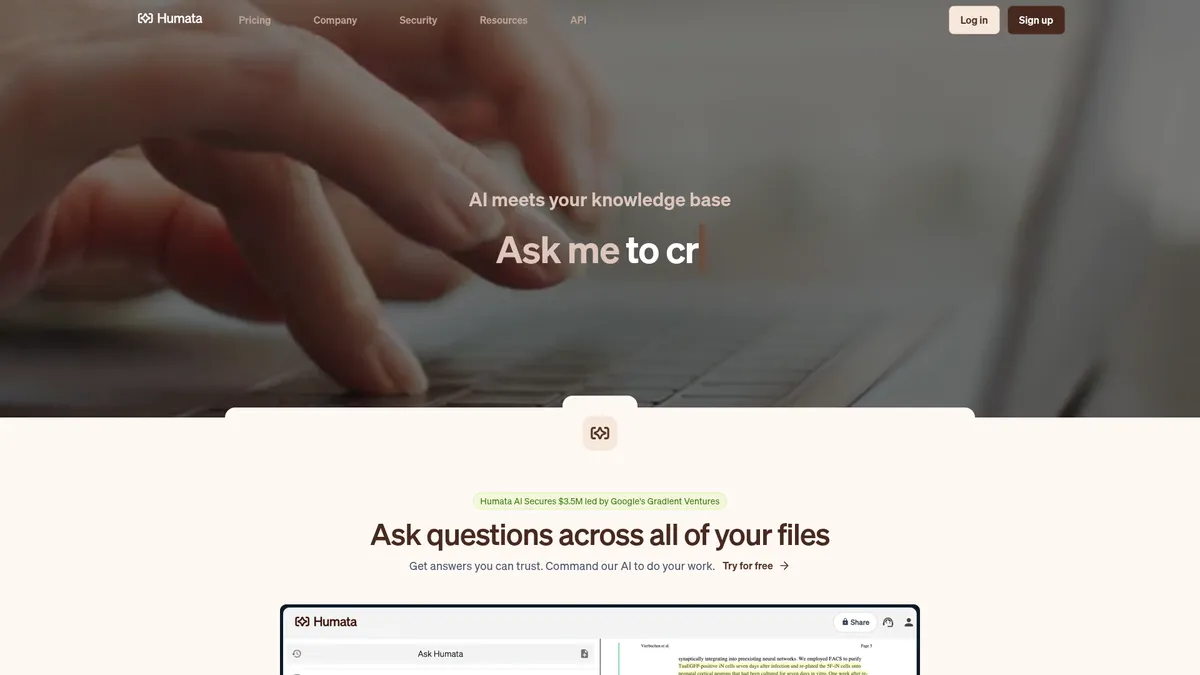
What is Humata?
How to Use Humata
Humata makes document analysis quick and intuitive. Follow this step-by-step guide to upload your first file, ask questions, and unlock insights from your documents in minutes.
Create Your Free Account
Sign up for a free Humata account at humata.ai—no credit card required. Choose from Free, Expert, Team, or Enterprise plans depending on your document volume and team size. Once registered, you'll land on your dashboard ready to upload files and start asking questions immediately.
Upload Your Documents
Click the upload button and select PDFs, scanned documents, or images from your computer. You can upload single files, multiple files at once, or entire folders. Humata supports unlimited file uploads on most plans, so you can build a comprehensive document library without worrying about file count caps.
Ask Questions and Explore Answers
Type any question about your document in natural language—for example, 'What are the key findings of this research paper?' or 'Find all clauses related to termination in this contract.' Humata scans the entire document and returns answers with clickable citations that take you directly to the source passages for verification.
Summarize, Compare, and Share
Use the AI summary feature to get a quick overview of any document. For deeper analysis, upload multiple files and use the document comparison tool to find differences and similarities across versions. You can also share documents with your team via shared folders or embed the Q&A widget on your website for customer-facing use.
Humata Core Features
Humata Use Cases
- 1Academic researchers can upload scientific papers and ask specific questions about methodology, results, and conclusions. Humata's citation-backed answers make it easy to verify sources and speed up literature reviews dramatically by reducing hours of manual reading to just minutes of conversation.
- 2Legal professionals can search through contracts, policies, and regulations for specific clauses with precise source citations. Instead of manually reviewing hundreds of pages, they can instantly find relevant passages and compare different documents side-by-side for faster due diligence.
- 3Customer support teams can embed Humata's AI widget on their help center pages, allowing customers to query product documentation directly. This reduces support ticket volume by giving users instant, accurate answers to common questions without human intervention.
- 4Product and engineering teams can quickly locate design specifications, API documentation, or internal manuals without digging through shared drives. Humata transforms static PDFs into an interactive knowledge base that makes tribal knowledge accessible to everyone.
- 5Business analysts can generate concise reports from financial statements, market research PDFs, and audit logs in minutes. Instead of spending hours extracting data points manually, they can ask natural-language questions and get summarized insights with source references.
Pros and Cons of Humata
Pros
- Citation-backed answers provide complete transparency and auditability, so you can always verify where each piece of information originates. This trust factor is crucial for professional use cases like legal review, academic research, and compliance audits where source verification is non-negotiable.
- True unlimited file uploads and unrestricted question asking (within reasonable page limits) means power users can scale their document analysis without hitting artificial caps. Most competing PDF-chat tools limit either the number of documents or the number of questions you can submit.
- Enterprise-grade security features including 256-bit SHA encryption at rest, isolated private cloud storage, and role-based access control make Humata suitable for handling sensitive documents in regulated industries like legal, healthcare, and finance.
- Flexible pricing that scales from a generous free tier with 60 monthly pages all the way to custom enterprise plans, accommodating solo researchers, small teams, and large organizations on a single platform without forcing users into rigid tiers.
✕ Cons
- Free tier is quite limited with only 60 pages and 10 answers per month, which may be insufficient for anyone doing regular document analysis. Heavy users will need to upgrade to the Expert plan at $9.99/month fairly quickly to get meaningful value from the tool.
- Advanced security and compliance features like SSO integration, SOC-2 certification, and custom SLAs are only available on the highest-tier Enterprise plans, and some of these features are still listed as 'coming soon' rather than being fully implemented and available immediately.
- Extra page costs can accumulate quickly for organizations processing large document libraries—$0.02 per page on Expert and $0.01 per page on Team—making it potentially expensive for teams working with thousands of pages monthly beyond their plan allowance.
Humata vs Top Alternatives
| Feature | ChatPDF | PDF.ai | AskYourPDF |
|---|---|---|---|
| Starting Price | Free / $5.99/mo | Free / $10/mo | Free / $4.99/mo |
| Team Collaboration | No | No | No |
| OCR Support | No | Yes | Yes |
| Web Embed | No | No | No |
Humata Pricing
Free
- 1 user
- 60 pages per month
- Up to 10 answers per month
- Basic document Q&A features
Expert
- 3 users
- 500 pages per month
- Unlimited questions
- Premium chat support
- $0.02 per extra page
Team
- 10 users
- 5,000 pages per month
- Department and folder permissions
- OCR support for scanned documents
- Response personalization
- Enterprise support
- $0.01 per extra page
Enterprise
- Unlimited users
- Custom page limits
- Full SOC-2 compliance
- SLA guarantees
- Early feature access
- Dedicated support team
Humata FAQ
What is Humata AI and how does it work?+
Is Humata AI free to use?+
How accurate are Humata's answers and can I trust them?+
Can Humata process scanned documents and images?+
Is my document data secure with Humata?+
What file types does Humata support?+
Can I embed Humata on my website for customer support?+
Humata Review — Editor's Score
Who Should Use Humata?
Humata is ideal for academic researchers, legal professionals, product and engineering teams, customer support managers, and business analysts who regularly work with large document collections and need fast, trustworthy answers with source verification.
Humata delivers one of the most polished document Q&A experiences available, combining powerful AI with transparent citation-backed answers that build trust. While the free tier is restrictive and some enterprise features are still on the roadmap, its team collaboration tools, OCR support, and flexible pricing make it a standout choice for researchers, legal teams, and knowledge managers who need to extract insights from complex documents quickly.
- Citation-backed answers with direct source links for complete auditability
- Unlimited file uploads and question asking within page limits
- Team collaboration with shared folders, permissions, and role-based access
- One-click web embed for creating interactive customer-facing knowledge bases
📺 Humata Tutorials & Introduction
Humata AI Review & Tutorial: The AI Research Assistant You've ...
How To Use Humata AI Tutorial (PDF Summary With ... - YouTube
Best AI Tool for Students - Humata AI Review & Tutorial (How to Use)
Keywords: