

Drip
Email marketing automation built for ecommerce brands
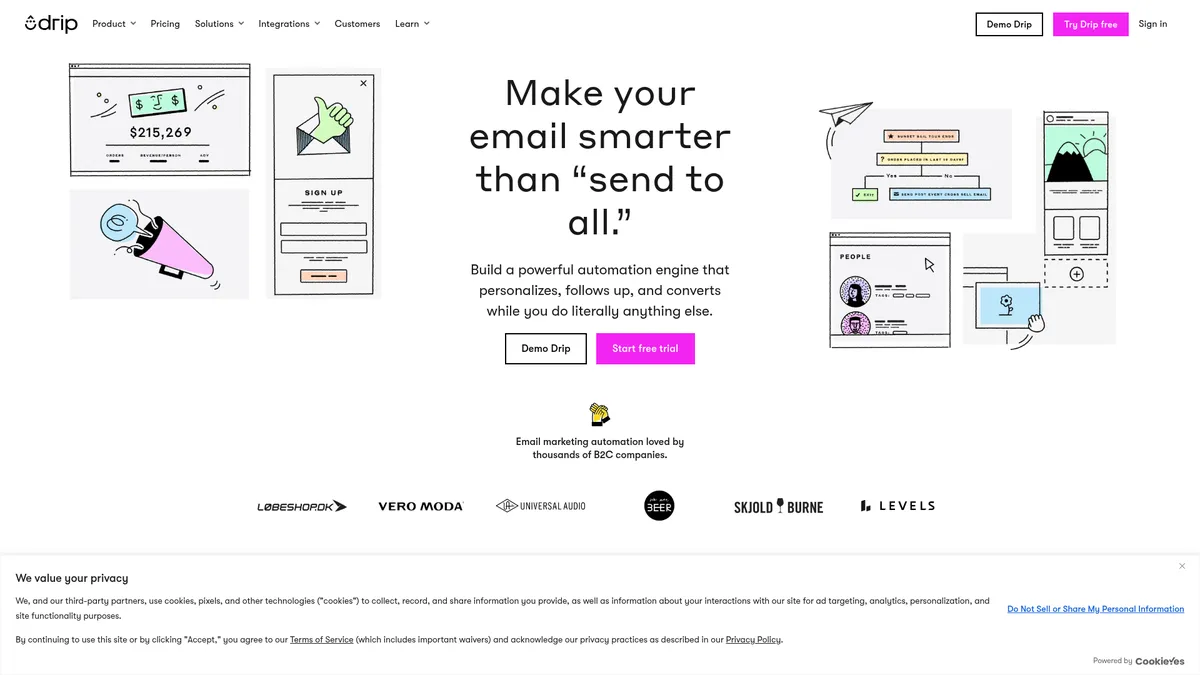
What is Drip?
How to Use Drip
Creating an automated welcome series in Drip helps you engage new subscribers from day one and drive that crucial first purchase. Follow these steps to build a workflow that introduces your brand, delivers value, and converts curious visitors into loyal customers.
Connect Your Ecommerce Store
First, connect your Shopify, WooCommerce, or other ecommerce platform to Drip using one of the one-click integrations. This allows Drip to sync customer data, purchase history, and product information automatically, giving you a solid data foundation to build your campaigns on.
Create a New Workflow
Navigate to the Workflows section in Drip and click 'Create Workflow.' Choose a blank canvas to build from scratch or select a pre-built playbook from the template library to save time. Playbooks include proven strategies for welcome sequences, cart recovery, and post-purchase follow-ups.
Set Your Trigger
Drag a 'Subscribes to a Form' trigger onto the canvas and configure it to activate when someone signs up through your email capture form or onsite pop-up. This determines who enters the workflow. You can also use other triggers like 'Placed Order' or 'Viewed Product' depending on your goal.
Add Email Actions with Delays
Drag email action blocks into the workflow timeline and design your emails using the visual builder. Create a welcome email, a brand story email, and a special offer email. Set delays between each message—such as 1 day, 3 days, and 5 days—to space out your communication naturally.
Launch and Monitor Performance
Review your complete workflow to ensure everything flows correctly, then toggle it on. Drip will automatically handle the rest. Use the in-app analytics dashboard to track open rates, click-through rates, and conversions, and iterate on your workflow to improve results over time.
Drip Core Features
Drip Use Cases
- 1Ecommerce stores can automate abandoned cart recovery sequences that send personalized product reminders and discount offers to recover lost sales and boost revenue.
- 2Online retailers can build multi-step welcome series that introduce new subscribers to the brand, showcase best-selling products, and nurture them toward their first purchase.
- 3Independent brands can create post-purchase follow-up workflows that request reviews, suggest complementary products, and encourage repeat purchases with targeted upsells.
- 4Niche businesses can segment their audience based on browsing behavior and purchase history to deliver hyper-relevant product recommendations that increase average order value.
- 5Growing ecommerce brands can use pre-built playbooks to quickly launch sophisticated marketing campaigns without needing a dedicated marketing team or technical expertise.
Pros and Cons of Drip
Pros
- Exceptional personalization capabilities let you tailor every message based on real customer behavior, purchase history, and engagement patterns for significantly higher conversion rates.
- Powerful visual workflow builder makes it easy to create complex multi-step automations without any coding knowledge, putting enterprise-level marketing power in reach.
- Unlimited email sends on all plans means you never have to worry about hitting sending caps or facing overage charges as your list grows and campaign frequency increases.
- Deep customer data unification across multiple touchpoints provides a single, complete view of every customer, enabling smarter segmentation and more relevant targeting.
✕ Cons
- The platform has a moderate learning curve, especially for users who are new to marketing automation concepts or complex segmentation strategies built around customer behavior.
- Limited customization options for some advanced email templates and automation conditions may frustrate power users who want more granular control over every campaign detail.
- Information about the company's long-term product roadmap and history is scarce, which may raise concerns about platform stability and future development direction for some buyers.
Drip vs Top Alternatives
| Feature | Klaviyo | Mailchimp | ActiveCampaign |
|---|---|---|---|
| Ecommerce specialization | High - purpose-built for ecommerce with deep platform integrations | Medium - general purpose tool with basic ecommerce features | Medium - supports ecommerce but not as specialized as Drip or Klaviyo |
| Automation capabilities | Very strong - advanced flow builder with powerful triggered campaigns | Basic - limited automation complexity and fewer trigger options | Very strong - advanced automation builder with conditional logic |
| Starting price | $45+/mo - higher entry point than Drip | Free tier available, paid plans from $13/mo | $39+/mo - similar pricing to Drip |
| Ease of use | Moderate - powerful but can feel complex for new users | High - very user-friendly with intuitive drag-and-drop editing | Moderate - feature-rich but has a steep learning curve |
Drip Pricing
Starter
- Up to 2,500 people
- Unlimited email sends
- Email support
- Visual email builder
- Pre-built playbooks
- Basic segmentation
Pro
- Up to 5,000 people
- Everything in Starter
- Priority chat support
- Advanced segmentation
- Custom reporting
- A/B testing
Enterprise
- Unlimited people
- Everything in Pro
- Dedicated account manager
- Custom integrations
- SLA
- Personalized onboarding
Drip FAQ
What is Drip and who is it for?+
How much does Drip cost?+
Does Drip offer a free trial?+
What ecommerce platforms does Drip integrate with?+
Can I send unlimited emails with Drip?+
Is Drip suitable for beginners?+
What makes Drip different from Mailchimp?+
Drip Review — Editor's Score
Who Should Use Drip?
Drip is best suited for ecommerce businesses, online retailers, and independent brands who want to automate personalized marketing at scale. It's ideal for stores with growing customer bases that need sophisticated segmentation and multi-step automation workflows to compete with larger players.
Drip is a standout email marketing automation platform for ecommerce brands that need serious segmentation and automation power without enterprise pricing. It balances depth of features with accessibility, though the learning curve might intimidate absolute beginners. For any online store looking to move beyond basic newsletters and create truly personalized customer journeys, Drip is one of the best tools in its class.
- Visual workflow builder enables no-code automation of complex customer journeys
- Deep behavior-based segmentation keeps targeting precise without manual list management
- Unlimited email sends on all plans eliminates fear of overage charges
- Pre-built ecommerce playbooks accelerate time-to-value for busy store owners
📺 Drip Tutorials & Introduction
Handle Manipulation: The fastest way to create a drip in Ai - YouTube
How to Create a Drip Email Campaign with AI? - YouTube
How To Use: Drip Tools - YouTube
Keywords: