

Dialpad
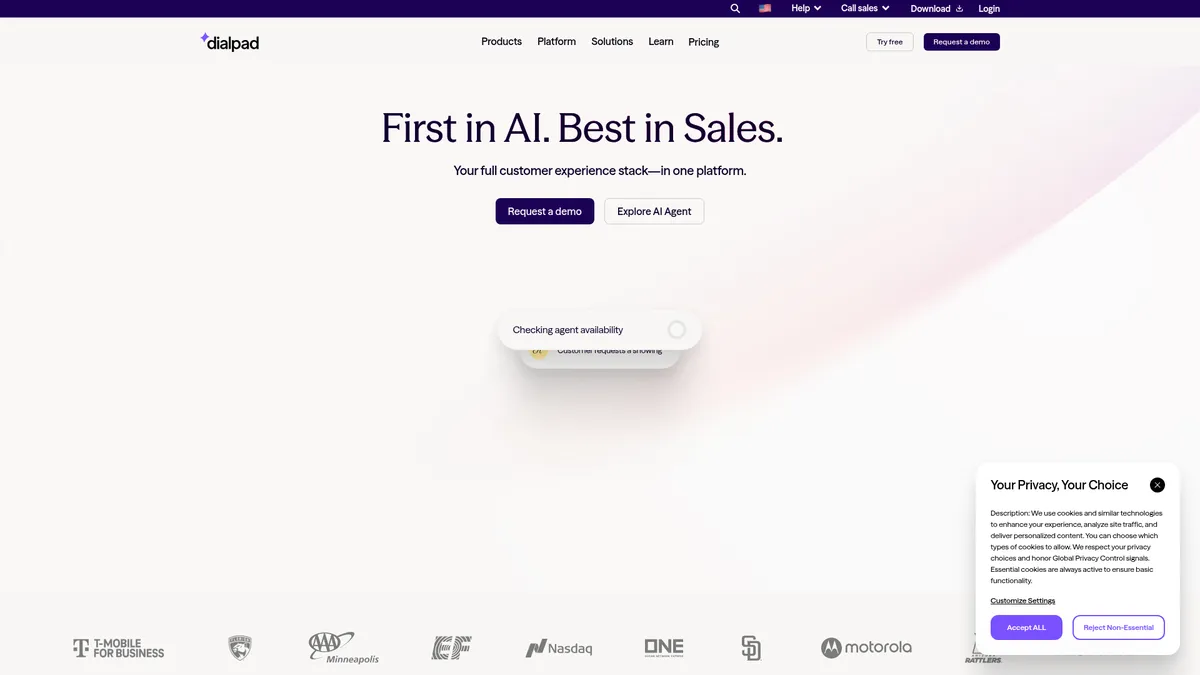
AI-native communications platform for modern enterprises
What is Dialpad?
How to Use Dialpad
Setting up AI agents in Dialpad lets you automate customer service, sales, and support workflows across voice, chat, and email. Follow these steps to configure your first autonomous AI agent and start handling transactions without human intervention.
Access the AI Agent Builder
Log into your Dialpad admin console and navigate to the AI Agents section. From here you can create a new agent from scratch or select a pre-built template for common use cases like appointment scheduling, order processing, or FAQ handling.
Define Agent Skills and Triggers
Configure the specific tasks your AI agent should handle — such as answering product questions, processing refunds, or booking meetings. Set trigger keywords, intents, and conditions that determine when the agent activates across voice and digital channels.
Connect Your CRM and Business Tools
Integrate your AI agent with Salesforce, Zendesk, HubSpot, or other supported platforms. This enables the agent to pull customer context, update records, create tickets, and trigger post-call workflows automatically during each interaction.
Configure Human Handoff Rules
Define escalation criteria for when the AI agent should transfer to a live human agent. Set thresholds based on customer sentiment scores, conversation complexity, or specific keywords to ensure seamless handoffs without breaking the flow.
Test, Monitor, and Optimize Performance
Run test conversations to validate your AI agent's behavior and responses. Use Dialpad's real-time analytics dashboard to monitor call outcomes, review AI-generated summaries, track credit usage, and continuously fine-tune agent skills based on actual interaction data.
Dialpad Core Features
Dialpad Use Cases
- 1Customer service contact centers can automate troubleshooting, refunds, and appointment scheduling using AI agents that handle end-to-end interactions across voice and chat, reducing wait times and agent workload significantly.
- 2Outbound sales teams can leverage AI-powered predictive dialing and lead qualification to boost rep productivity, automate follow-up calls, and close deals faster with real-time conversation insights.
- 3Enterprise workflow automation becomes seamless as AI agents process orders, update CRM records, route tickets, and trigger post-call actions without any manual data entry or human intervention.
- 4Omnichannel customer engagement ensures a consistent experience as conversations flow effortlessly between voice, chat, SMS, and email while preserving full context and history at every touchpoint.
- 5Regulated industries like healthcare and finance can deploy HIPAA-compliant AI communications with immutable audit logs, role-based access controls, and data residency options for sensitive interactions.
Pros and Cons of Dialpad
Pros
- Autonomous AI agents handle end-to-end transactions like scheduling, refunds, and order processing without human intervention, dramatically reducing manual workload
- Conversation-based pricing ensures you only pay for value-adding AI actions rather than idle bot time, aligning cost directly with business outcomes
- Enterprise-grade security with HIPAA compliance, SOC 2 certification, immutable audit logs, and PII protection meets strict regulatory requirements
- Deep native integrations with Salesforce, Zendesk, HubSpot, Microsoft Teams, and Google Workspace enable seamless workflow embedding
✕ Cons
- Pricing requires a sales consultation with no publicly available tiers, making it difficult to budget or compare costs upfront
- Extensive feature set and AI customization options can feel overwhelming for small teams or businesses with simple communication needs
- Heavy reliance on AI autonomy may require ongoing monitoring and fine-tuning to prevent errors in complex or edge-case scenarios
Dialpad vs Top Alternatives
| Feature | RingCentral | Zoom | Five9 |
|---|---|---|---|
| Autonomous AI Agents | AI assistance with human oversight; no autonomous transaction handling | Basic AI companion features with limited autonomy | AI-powered routing suggestions; agent-dependent completion |
| Omnichannel Support | Unified communications across voice, video, and messaging | Unified across video, chat, and phone systems | Multichannel support with less unified inbox experience |
| Pricing Model | Per-user subscription tiers starting at $20/user/month | Per-user per-host subscription tiers starting at $15/user/month | Per-user subscription typically $100-$200/user/month |
| CRM Integrations | Native integrations with Salesforce, Zendesk, Microsoft 365 | Native integrations with major platforms and marketplaces | Deep CRM integrations including Salesforce and ServiceNow |
Dialpad Pricing
Standard
- Unlimited domestic calling
- Auto-attendant
- Call routing
- Voicemail transcription
- Desktop and mobile apps
Pro
- Unlimited domestic calling
- Unlimited SMS and MMS
- CRM integrations
- Real-time analytics
- Multi-language support
Enterprise (AI Agents)
- Autonomous AI agents
- Conversation-based credit pricing
- AI agent skills customization
- Omnichannel support
- HIPAA compliance
- Dedicated account manager
Dialpad FAQ
What is Dialpad and how does it work?+
How does Dialpad's conversation-based pricing work?+
Is Dialpad HIPAA compliant?+
What integrations does Dialpad support?+
How do Dialpad's AI agents differ from regular chatbots?+
Can Dialpad handle outbound sales automation?+
What platforms and devices does Dialpad support?+
Dialpad Review — Editor's Score
Who Should Use Dialpad?
Mid-to-large enterprises and contact centers in regulated industries like healthcare and finance that need a secure, AI-powered communications platform with autonomous transaction handling, deep CRM integrations, and conversation-based pricing that aligns cost with value delivered.
Dialpad delivers a genuinely impressive AI-native communications platform that stands out for its autonomous agent capabilities and unified omnichannel approach. While pricing opacity and feature complexity may deter smaller teams, enterprises seeking to scale customer service and sales operations with AI will find immense value in its depth, security, and flexibility.
- Autonomous AI agents that complete end-to-end transactions without human intervention
- Conversation-based pricing that charges only for value-adding AI actions
- Omnichannel unification across voice, chat, SMS, and email with full context preservation
- Enterprise-ready security with HIPAA compliance and SOC 2 certification
📺 Dialpad Tutorials & Introduction
Demo: Dialpad Platform Overview - YouTube
Dialpad AI Sales Demo - YouTube
AI That Actually Works | Real Dialpad Customer Outcomes at Scale
Keywords: