

Demostack
AI-Powered Demo Automation for SaaS Teams
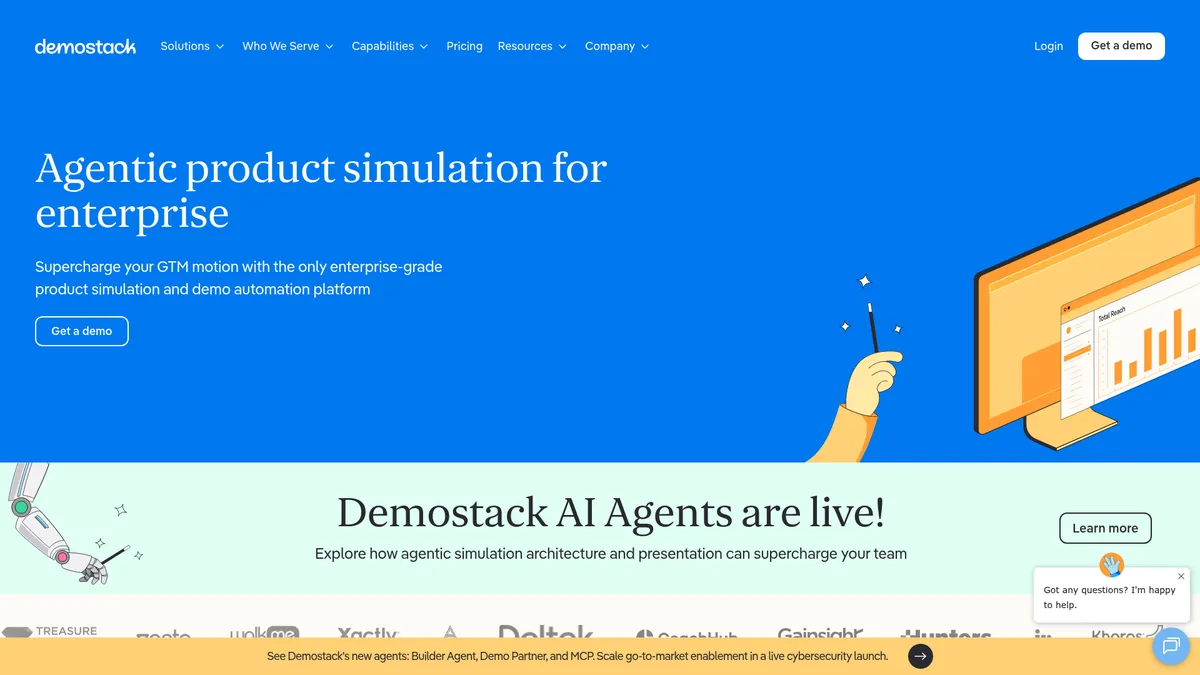
What is Demostack?
How to Use Demostack
Demostack makes it easy to create AI-powered product simulations that feel like the real thing. Follow this step-by-step guide to build your first interactive demo and start converting prospects with personalized product experiences that showcase your software's true value.
Clone Your Software
Use Demostack's software cloning feature to create a high-fidelity replica of your product. The platform captures your application's UI, workflows, and key functionality, giving you a sandbox environment that feels completely authentic to prospects without requiring access to your live production system.
Personalize with AI
Leverage the AI Simulation Builder Agent to customize your demo using natural language commands. Swap in prospect-specific data, update pricing tables, modify text and images, and adjust application logic without writing a single line of code. The AI handles all the heavy lifting instantly.
Add Interactive Elements
Enhance your demo with guided tours, live software overlays, and AI-powered presentation agents. These interactive elements keep prospects engaged and help them navigate the key features you want to highlight. You can control the flow or let prospects explore at their own pace.
Configure Analytics Tracking
Set up demo tracking and analytics to capture prospect engagement data. Demostack will monitor clicks, time spent on each feature, and overall interaction patterns. Use these insights to understand what resonates with prospects and refine your sales strategy accordingly.
Share, Present, and Iterate
Share your personalized demo with prospects via a unique link, embed it on your website, or present it live with intelligent overlays. Monitor engagement in real-time, use the data to prioritize follow-ups, and continuously improve your demos based on what works best.
Demostack Core Features
Demostack Use Cases
- 1Sales Demos: Deliver personalized, interactive demos to prospects that showcase the exact value proposition for their needs. Sales teams can clone the product, swap in prospect data, and guide them through a tailored experience that builds trust and accelerates deal closure.
- 2Customer Success & Onboarding: Use Demostack to create guided onboarding experiences that help new customers understand your product faster. Interactive simulations reduce time-to-value and improve product adoption rates across your customer base.
- 3Marketing Campaigns: Showcase your product's capabilities through embeddable, interactive demos in marketing campaigns and on your website. Prospective buyers can experience the product firsthand without scheduling a live demo.
- 4Training & Enablement: Build training simulations that allow new hires and team members to practice using the software in a risk-free environment. Accelerate ramp-up time with hands-on, interactive learning experiences.
- 5Enterprise Sales Cycles: Handle complex enterprise sales processes with customized demos that address specific technical requirements and stakeholder concerns. Clone complex environments and demonstrate integration capabilities without engineering support.
Pros and Cons of Demostack
Pros
- AI-Powered Demo Automation: The platform leverages AI agents to automate simulation building, data editing, and content generation, drastically reducing the time and effort required to create personalized demos from days to minutes.
- High-Fidelity Product Cloning: Demostack creates near-perfect replicas of your software, allowing you to swap data, variables, and branding without touching the actual product. This ensures demos feel authentic and relevant to each prospect.
- Comprehensive Analytics: Track how prospects interact with your demos, identify engagement patterns, and use data-driven insights to refine your sales approach and improve conversion rates across your pipeline.
- Enterprise-Grade Security: SOC2 compliance, role-based access control, and SSO integration ensure that your demos and customer data remain secure, meeting the strictest enterprise requirements.
✕ Cons
- Significant Setup Complexity: Getting started with Demostack requires substantial configuration and setup, which may demand dedicated technical resources and time investment from your team before seeing value.
- Enterprise Pricing Barrier: Demostack's custom enterprise pricing model can be prohibitively expensive for small businesses and startups looking for a lightweight, affordable demo solution.
- Limited Ecosystem Integrations: While Demostack offers core CRM integrations, the platform may not support all third-party tools in your tech stack, potentially creating gaps in your existing workflow.
Demostack vs Top Alternatives
| Feature | Walnut | Storylane | Reprise |
|---|---|---|---|
| AI-Powered Demo Building | AI-assisted builder with template library for rapid demo creation | No-code builder with basic AI features for simple demos | AI-powered demo creation with workflow automation capabilities |
| Product Cloning Fidelity | High-fidelity product cloning via browser extension | Interactive product tours and screen capture recordings | Full environment cloning with sandbox simulation technology |
| Analytics & Insights | Engagement tracking and meeting insights with scheduling | Basic viewer analytics with limited engagement tracking | Advanced analytics with revenue attribution and pipeline insights |
| Enterprise Security | SSO, RBAC, and enterprise-grade compliance certifications | Standard security features with SSO support available | Enterprise security with SOC2, HIPAA, and compliance certifications |
Demostack Pricing
Enterprise
- All Platform Features
- AI Simulation Builder Agent
- Software Cloning & Personalization
- Advanced Analytics & Insights
- Enterprise Governance (SOC2, RBAC, SSO)
- Dedicated Customer Support
- Custom Integrations
- Training & Onboarding
Demostack FAQ
What is Demostack and how does it work?+
How does Demostack's AI Simulation Builder work?+
Is Demostack secure for enterprise use?+
What platforms does Demostack support?+
How much does Demostack cost?+
Can Demostack integrate with my CRM?+
What types of demos can I create with Demostack?+
Demostack Review — Editor's Score
Who Should Use Demostack?
Demostack is best suited for enterprise SaaS companies with complex products and large sales teams. It's ideal for sales leaders who want to eliminate engineering dependencies for demos, customer success teams that need scalable onboarding experiences, and marketing teams looking to create interactive product experiences for their website. Small businesses and startups with simple products and limited budgets may find the platform's complexity and cost prohibitive.
Demostack is a standout platform for enterprise SaaS teams that need to deliver high-impact product demos at scale. Its AI-powered simulation builder and software cloning capabilities are best-in-class, enabling sales teams to create personalized demos in minutes rather than days. The platform's analytics and enterprise security features further solidify its position as a leader in the demo automation space. However, the significant upfront setup and premium pricing make it less accessible for smaller teams. If you're a large organization with complex demo requirements, Demostack is an investment that pays for itself through faster deals and better prospect engagement.
- AI-powered natural language simulation builder for rapid demo creation
- High-fidelity software cloning with complete data and variable customization
- Comprehensive engagement analytics for data-driven sales insights
- Enterprise-grade security with SOC2, RBAC, and SSO compliance
📺 Demostack Tutorials & Introduction
Demostack - Your Demo HQ - YouTube
Scaling Enterprise Demos How Synack Replaced Their ... - YouTube
Your presales tech stack is incomplete without this ... - YouTube
Keywords: