

Canva Mockups
AI-powered mockup generator for realistic product visuals
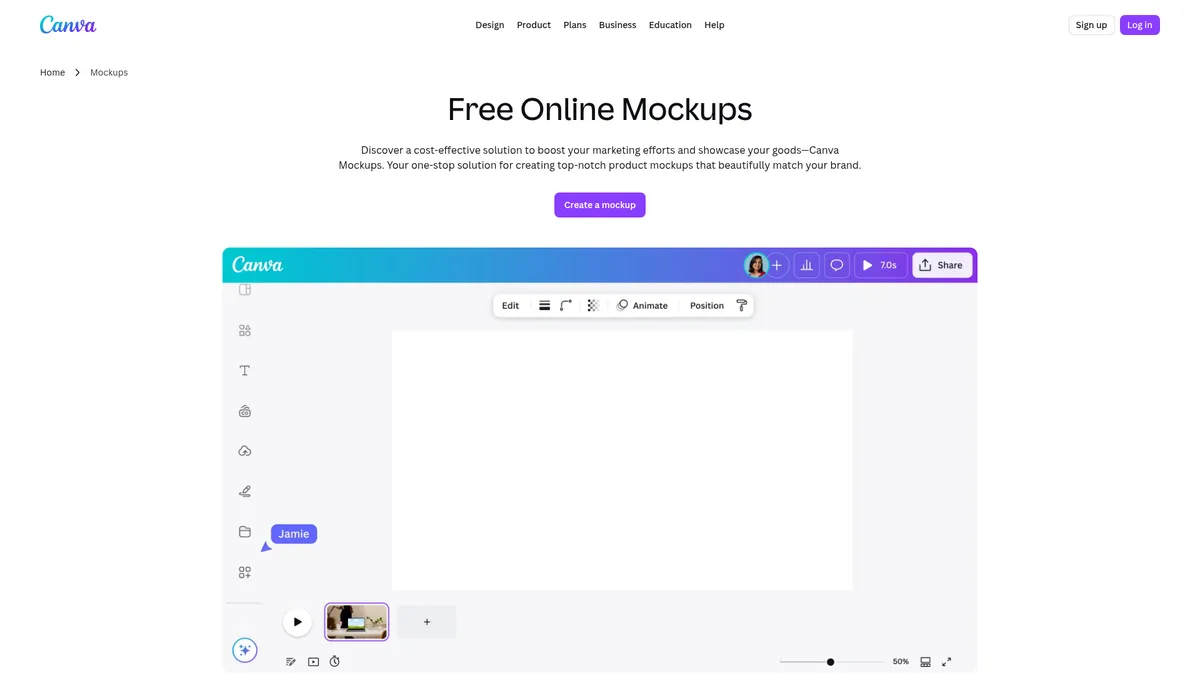
What is Canva Mockups?
How to Use Canva Mockups
Creating a product mockup with Canva Mockups takes just a few clicks. Follow these simple steps to transform your artwork or brand design into a realistic product showcase ready for e-commerce, social media, or marketing campaigns.
Choose a mockup template
Browse Canva's extensive library of mockup templates and select one that matches your product category, whether it's a t-shirt, book cover, smartphone, or laptop. Use the search bar to filter by product type or browse curated collections for inspiration.
Upload and position your design
Upload your artwork, logo, or brand asset using the upload panel. Drag and drop it onto the mockup surface, then use the intuitive resize and crop handles to adjust the position, scale, and rotation until your design fits perfectly within the mockup frame.
Enhance with AI editing tools
Use Magic Edit to replace or modify elements within the mockup, Magic Eraser to remove unwanted objects or blemishes, or Image Enhancer to automatically adjust the lighting, focus, and colors for a polished, professional finish.
Apply brand assets and styling
If you have Canva Pro, use Brand Kit to apply your brand colors, logos, and fonts automatically. Add text overlays, filters, shadows, or animated effects to make your mockup stand out and align with your brand identity.
Download and share your mockup
Export your finished mockup in PNG, JPEG, or PDF format for print and digital use, or download as MP4 for animated video mockups. Share directly to social media, download for e-commerce listings, or collaborate with your team for feedback.
Canva Mockups Core Features
Canva Mockups Use Cases
- 1Artist-entrepreneurs can showcase their artwork, prints, or merchandise in realistic lifestyle settings to boost online sales without needing a professional photoshoot.
- 2Marketing professionals can create campaign visuals, social media ads, and product promos with consistent branding using Canva's Brand Kit integration for a unified look.
- 3E-commerce sellers can generate professional product listings with lifestyle mockups for Shopify, Etsy, and Amazon to increase conversion rates and reduce returns.
- 4Brand managers can maintain visual consistency across all marketing collateral by applying brand assets automatically through Brand Kit integration across every mockup.
- 5Content creators can produce video mockups for YouTube intros, product demos, and animated social media content to engage their audience with dynamic visuals.
Pros and Cons of Canva Mockups
Pros
- No design expertise needed — AI simplifies mockup creation so anyone can produce professional-looking product visuals in minutes without training.
- Large free template library covering dozens of product categories from smartphones and laptops to apparel, book covers, and signage.
- Seamless integration with Canva's broader design ecosystem including millions of stock photos, fonts, illustrations, and brand assets.
- Real-time collaboration tools enable teams to work together on mockups, share feedback, assign tasks, and maintain brand consistency.
✕ Cons
- Advanced AI editing tools including Magic Eraser, Background Remover, and Magic Expand are locked behind the paid Canva Pro subscription at $12.99/month.
- Limited to Canva's preset mockup frames and templates — highly custom 3D modeling or unique product angles require dedicated software like Blender or Photoshop.
- Export options are primarily raster formats (PNG/JPEG) and basic video (MP4) with no support for native PSD, AI, or other layered file formats.
Canva Mockups vs Top Alternatives
| Feature | Placeit | Mockup World | Artboard Studio | Adobe Photoshop |
|---|---|---|---|---|
| AI mockup automation | AI detects surfaces in uploaded photos | No AI-powered mockup features | AI background generation and scene creation | No automated AI mockup generation |
| Free tier availability | Free tier with watermarked exports | All templates free to download | Freemium with limited monthly exports | Paid subscription only ($22.99/mo) |
| Template library variety | 10,000+ templates across 40+ categories | 5,000+ PSD mockup templates | 5,000+ responsive design templates | Unlimited via manual custom design |
| Real-time team collaboration | No native real-time collaboration | No team collaboration features | Basic team sharing via project links | Cloud libraries for asset sharing |
Canva Mockups Pricing
Free
- Basic mockup templates across 20+ categories
- Standard editing tools (resize, crop, position)
- Access to free design elements and stock photos
- Export in PNG and JPEG formats
- Cross-device access via web and mobile
Canva Pro
- Magic Eraser to remove unwanted objects
- Background Remover for clean subject isolation
- Magic Expand to extend image borders
- Brand Kit integration for consistent branding
- Premium templates and design assets
- Image Enhancer with auto-adjustments
- 100GB cloud storage for team assets
Canva Enterprise
- All Canva Pro features included
- Advanced brand management and templates
- Single sign-on (SSO) integration
- 24/7 premium customer support
- Custom approval workflows and permissions
- Unlimited cloud storage
Canva Mockups FAQ
What is Canva Mockups and how does it work?+
Is Canva Mockups free to use?+
What types of mockups can I create with Canva Mockups?+
Can I use Canva Mockups for commercial projects?+
Does Canva Mockups support team collaboration?+
What file formats can I export my mockups in?+
How does Canva Mockups compare to dedicated mockup tools like Placeit?+
Canva Mockups Review — Editor's Score
Who Should Use Canva Mockups?
Canva Mockups is ideal for small business owners, e-commerce sellers, content creators, and marketing professionals who need to produce high-quality product mockups quickly without a steep learning curve or expensive design software subscriptions.
Canva Mockups is a brilliant entry point for anyone who needs fast, professional-looking product mockups without learning complex design software. While power users might crave more advanced 3D capabilities, the AI-powered features and deep integration with Canva's ecosystem make it a standout choice for marketers, entrepreneurs, and small teams who need results in minutes, not hours.
- AI instantly detects product surfaces in uploaded photos for one-click mockups
- Massive library of free mockup templates across dozens of product categories
- Seamless brand consistency with Brand Kit integration across all designs
- Real-time team collaboration built directly into the mockup workflow
📺 Canva Mockups Tutorials & Introduction
Canva Mockup Tutorial using Canva Magic Studio to Edit ... - YouTube
Make custom mockups from your own images in Canva - YouTube
5 Canva Mockups Secrets You Need to Know About - YouTube
Keywords: