
BHuman
Create realistic AI personalized videos at scale
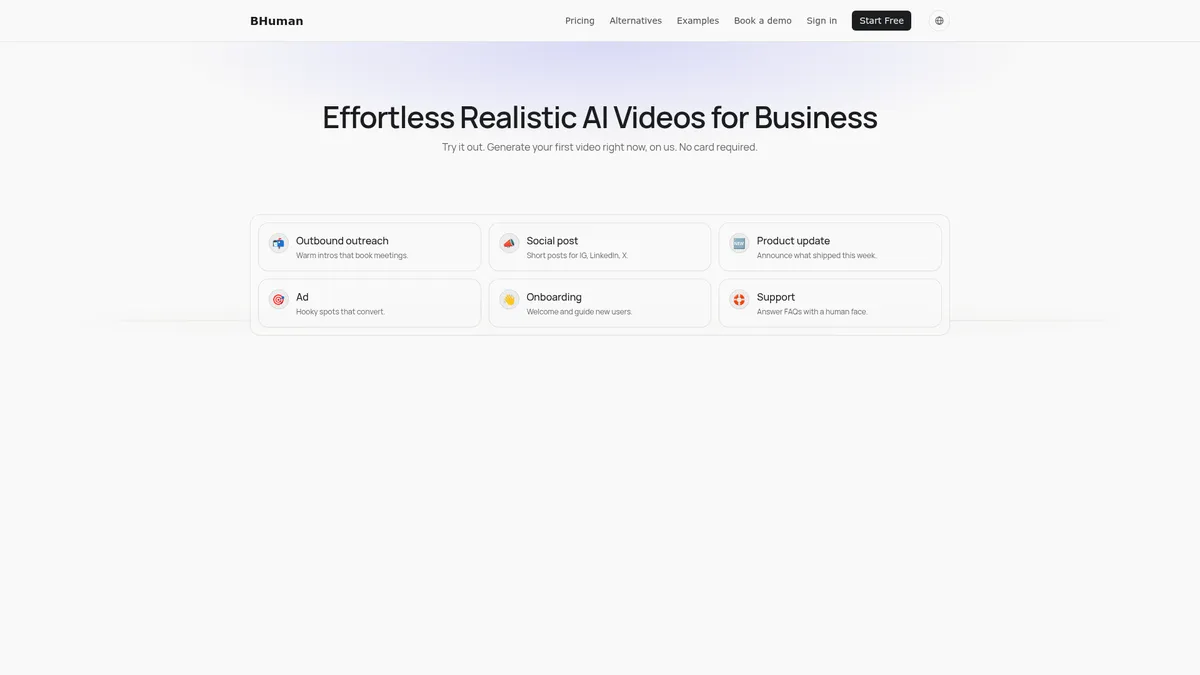
What is BHuman?
How to Use BHuman
Getting started with BHuman is straightforward and doesn't require any technical skills. In just a few steps, you can create your first AI-powered personalized video and start scaling your outreach. Here's how to go from zero to your first rendered video in minutes.
Create Your Account
Sign up for a free trial at bhuman.ai without needing a credit card. Choose your preferred plan or start with the free trial to explore the platform's full capabilities, including the presenter library and template gallery.
Choose Your Video Type
Select between Speakeasy (prompt-to-video generation) or Personalized Video (mass customization). For Speakeasy, write a prompt describing your desired video. For personalized videos, upload a base video and map CSV variables for dynamic content.
Customize Your AI Presenter
Select an AI presenter from the built-in library or upload your own face and voice using the Persona module. Adjust the script, choose a language, and add on-screen overlays like text, images, or links to match your brand.
Render and Deliver Your Video
Preview your video using the shareable link for stakeholder review. Make final adjustments to the template, then render in HD quality. Deliver directly via email, CRM, Slack, or download as an MP4 file for manual distribution.
BHuman Core Features
BHuman Use Cases
- 1Outbound sales outreach: Create personalized video intros for prospects to warm up cold emails and book more meetings. AI presenters speak directly to each lead with customized messaging, dramatically improving response rates and conversion metrics.
- 2Social media content creation: Quickly produce engaging video posts for Instagram, LinkedIn, and X/Twitter with AI presenters. Multi-language support lets you reach global audiences without hiring voice actors or translators.
- 3Customer onboarding and support: Generate helpful tutorial videos and FAQ responses at scale, personalized for each customer's needs. Reduce support tickets and improve time-to-value with automated video guidance.
- 4Email and CRM drip campaigns: Automate personalized video sequences within existing workflows using HubSpot, Salesforce, or Mailchimp integrations. Deliver the right message at the right time without manual video production bottlenecks.
- 5Multilingual marketing campaigns: Produce localized video content for global audiences with automatic language detection and tone matching across 50+ languages. Scale your video marketing worldwide without expanding your production budget.
Pros and Cons of BHuman
Pros
- End-to-end video creation without any editing skills required—just provide a script or prompt and BHuman handles the rest from AI presenter to final HD render.
- Highly scalable personalization engine that creates thousands of unique videos from a single base template using CSV data or API variables for each recipient.
- Wide integration ecosystem with 6,000+ third-party apps via Zapier, Pabbly, and direct CRM connections for seamless workflow automation and video delivery.
- Transparent and affordable tiered pricing starting at just $9/month with a free trial available that doesn't require a credit card commitment.
✕ Cons
- Pricing based on minutes of video output can become costly for heavy users who need extensive monthly video production beyond entry-level tiers.
- No on-site video editor for post-render adjustments—any changes require modifying the original template and re-rendering the entire video file.
- Founding date and funding details not publicly listed, which may affect confidence for larger enterprise prospects evaluating long-term vendor stability.
BHuman vs Top Alternatives
| Feature | Synthesia | HeyGen | Colossyan |
|---|---|---|---|
| AI Presenter Quality | Studio-quality AI avatars with precise lip-sync | Ultra-realistic AI avatars with expressive faces | Professional AI avatars for workplace learning |
| Personalization at Scale | Template-based personalization with variables | Batch video creation with CSV variables | Template library with personalization options |
| Starting Price | Starting at $22/month (Starter) | Starting at $24/month (Creator) | Starting at $19/month (Starter) |
| Integrations Ecosystem | Zapier, API, and major LMS integrations | API, Zapier, and social media integrations | LMS integrations, API, and Zapier support |
BHuman Pricing
Starter
- 1.5 minutes of video per month
- Presenter library access
- HD video generation
- Email support
- Shareable preview links
Pro
- 5 minutes of video per month
- Voice cloning included
- Priority processing queue
- All Starter features
- API access
Business
- 30 minutes of video per month
- Faster processing windows
- Priority support
- All Pro features
- Advanced integration access
Enterprise
- Custom volume minutes
- AI Studio access
- Leadr workflow engine
- Persona concierge module
- Dedicated account management
- Custom SLA
BHuman FAQ
What is BHuman and how does it work?+
How much does BHuman cost?+
Can I clone my own voice with BHuman?+
What languages does BHuman support?+
Does BHuman integrate with my CRM?+
How long does it take to render a video?+
What are the main use cases for BHuman?+
BHuman Review — Editor's Score
Who Should Use BHuman?
BHuman is ideal for sales development teams, marketing managers, and customer success professionals who need to send personalized video messages at scale without a production team. It's also great for content creators and global marketing teams who need multilingual video capabilities.
BHuman is a powerful AI video platform that nails the core promise of personalized video at scale. While the minute-based pricing can add up for heavy users and the lack of post-render editing is limiting, its ease of use, strong integrations, and quality AI presenters make it a top choice for sales and marketing teams looking to supercharge their video outreach without a production budget.
- End-to-end AI video creation with no editing required
- Bulk personalization for thousands of unique videos
- 50+ language support with automatic voice detection
- Affordable entry price at $9/month with free trial
📺 BHuman Tutorials & Introduction
BHuman Persona Review, Demo + Tutorial I Create an AI clone with ...
How to Use BHuman to Create AI Generated Videos - YouTube
BHuman Pabbly Connect Tutorial - YouTube
Keywords: