

Beatoven.ai
AI music generation for creators and storytellers
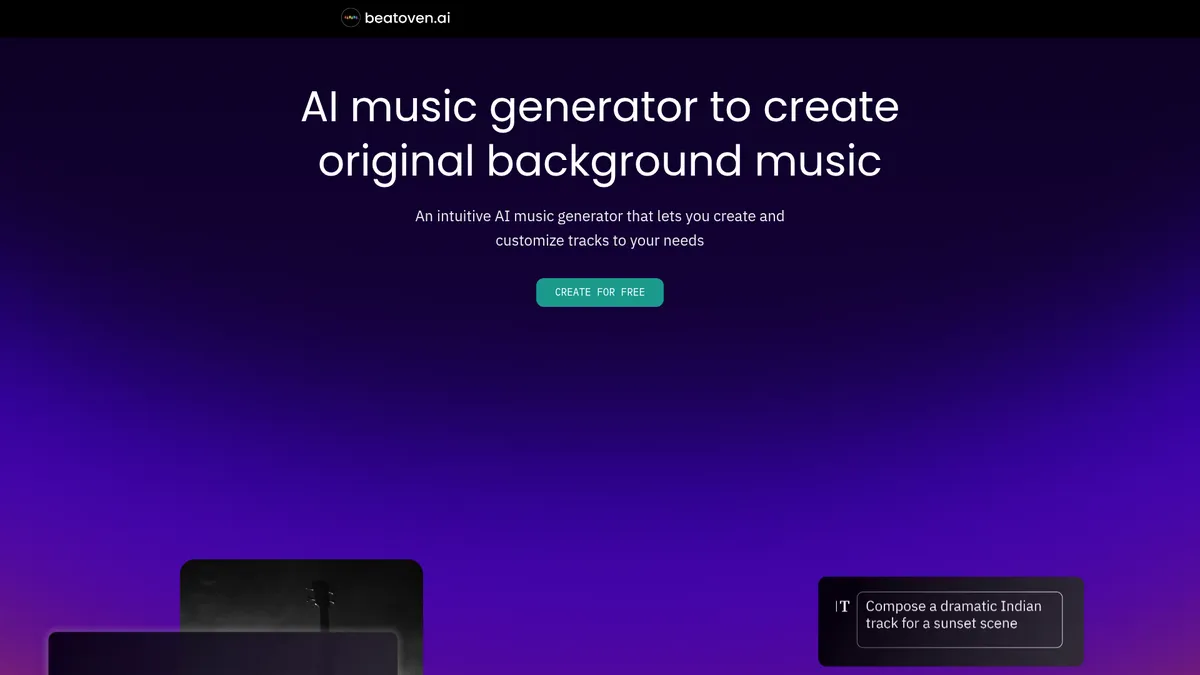
What is Beatoven.ai?
How to Use Beatoven.ai
Creating a custom soundtrack with Beatoven.ai takes just a few clicks. Follow these steps to generate your first royalty-free track from scratch, ready for use in videos, podcasts, or any content project.
Describe Your Music
Start by selecting a mood and genre that match your project's tone — options range from cinematic and orchestral to lo-fi and electronic. Then set the tempo and time signature. You can also write a free-form text description of the vibe you're aiming for to guide the AI.
Choose Instruments & Structure
Pick which instruments you want in the mix, such as piano, strings, drums, or synths. Adjust the track length and intensity curve to match your content's pacing. The interface lets you preview instrumentation changes in real time before generating.
Generate & Preview
Let the Maestro AI compose your track based on all your selections. Preview the result and regenerate if it doesn't quite hit the mark — there's no limit on paid plans. You can generate multiple variations to find the perfect take.
Fine-Tune with Advanced Editing
Use the advanced editing tools to tweak sections of the track, adjust volume levels for individual instrument groups, or change the arrangement structure. This is where you can polish the composition to better fit scene transitions or emotional beats.
Download & Use
Export your final track as MP3 or WAV and download it directly to your computer. The music is royalty-free and licensed for commercial use, so you can immediately drop it into your video editor, podcast software, or any content project without additional clearance.
Beatoven.ai Core Features
Beatoven.ai Use Cases
- 1Video Content Creation — YouTubers and video editors can generate unique background tracks that match the tone of their footage, eliminating copyright worries and the endless scroll through stock libraries. The mood and genre controls make it easy to find the perfect audio for tutorials, vlogs, or cinematic pieces.
- 2Podcast Production — Podcasters can create custom intro, outro, and transition music that reinforces their brand identity without licensing fees or attribution requirements. The ability to control tempo and instrumentation helps match the energy of each episode.
- 3Film & Video Game Scoring — Indie filmmakers and game developers can prototype or finalize soundtracks quickly, using mood and genre controls to match scene dynamics. The Text to SFX feature also handles sound effects, reducing the need for multiple tools.
- 4Advertising & Marketing — Brands and agencies can produce original music for commercials and social media campaigns, ensuring their audio stands out from generic stock tracks while maintaining full commercial licensing compliance.
- 5Sound Design & Prototyping — Creators can use Text to SFX to generate custom sound effects on the fly or quickly mock up audio concepts before commissioning full production work from professional composers.
Pros and Cons of Beatoven.ai
Pros
- Intuitive Interface — The straightforward workflow means anyone can generate professional-sounding music without prior audio engineering experience. The mood, genre, and tempo sliders make it feel more like arranging than composing.
- Royalty-Free & Ethically Trained — Tracks are cleared for commercial use, and the AI is trained on ethically sourced data, addressing key industry concerns around copyright infringement and artist consent that plague many generative AI tools.
- Flexible Customization — Mood, genre, tempo, instrumentation, and time signature controls give you genuine creative input without overwhelming complexity. Advanced editing allows further refinement after generation.
- Affordable Pricing Tiers — With a functional free trial, modest monthly subscriptions starting at $10/month, and a pay-per-minute option for occasional users, it accommodates both high-volume creators and budget-conscious individuals.
✕ Cons
- Limited Fine-Grained Control — You cannot edit individual notes, arrange MIDI patterns, or apply per-track automation. This frustrates professional producers and composers who need deeper manipulation capabilities for complex projects.
- AI Model Dependence — The output quality and style variety are entirely dependent on the Maestro model's training data, which may not adequately cover niche genres, experimental sounds, or culturally specific musical traditions.
- No Standalone Desktop App — The platform is web-only, requiring a stable internet connection to generate and edit music. This limits workflow flexibility for users who prefer offline production or have unreliable connectivity.
Beatoven.ai vs Top Alternatives
| Feature | Soundraw | Mubert | AIVA |
|---|---|---|---|
| AI Music Quality & Realism | High-quality, genre-diverse generation with strong realism | Good quality with emphasis on electronic, ambient, and loop-based music | Excellent classical and cinematic compositions with emotional depth |
| Customization & Control Depth | Tweak melody, tempo, and individual instrument layers | Basic mood and duration controls; limited genre depth | Advanced editing with MIDI export and score notation |
| Starting Price (Paid Plan) | $16.99/month (Creator plan) | $12/month (Pro plan) | Free tier available; Pro from €15/month |
| Commercial Licensing Model | Royalty-free with active subscription; no exclusive license option | Royalty-free on paid tiers; watermark on free tier | Full copyright transfer on paid plans; attribution required on free tier |
Beatoven.ai Pricing
Trial
- Limited music generations
- Basic mood and genre selection
- MP3 downloads
- Community support
Creator Monthly
- Unlimited generations and downloads
- MP3 and WAV formats
- Advanced track editing
- Mood, genre, tempo, and instrumentation controls
Visionary Monthly
- All Creator features
- Exclusive music license
- Text to SFX
- Priority support
Buy Minutes
- Pay per minute of music
- Full quality MP3 and WAV
- Commercial license included
- No subscription required
Beatoven.ai FAQ
What is Beatoven.ai?+
Is the music generated by Beatoven.ai truly royalty-free?+
Can I use Beatoven.ai music on YouTube and social media?+
How does Beatoven.ai's 'Fairly Trained' AI work?+
What file formats can I download?+
Is there a free trial available?+
Does Beatoven.ai offer an API for developers?+
Beatoven.ai Review — Editor's Score
Who Should Use Beatoven.ai?
Beatoven.ai is ideal for YouTubers, podcasters, indie filmmakers, social media managers, and small business owners who need high-quality, royalty-free background music without the hassle of licensing negotiations or complex production software. It's also a great fit for marketers producing ads and brands creating consistent audio identities.
Beatoven.ai delivers a polished, user-friendly music generation experience that prioritizes accessibility and ethical AI. While it won't replace professional composers for complex orchestral projects, its combination of customizable controls, royalty-free licensing, and affordable pricing makes it one of the best AI music tools for content creators who need quality background tracks fast. The Fairly Trained AI model is a genuine differentiator in a space where data ethics are increasingly scrutinized.
- Proprietary Maestro AI delivers unique, non-repeating compositions tailored to user inputs
- Ethically trained 'Fairly Trained' AI model sets an industry standard for responsible generative music
- Flexible pricing with free trial, monthly subscriptions, and pay-per-minute options for all usage levels
- Text to SFX feature adds sound design capability beyond just music generation
📺 Beatoven.ai Tutorials & Introduction
My Expeirence With BeatOven ai (Royalty Free Music Generator)
Step by Step Tutorials on How to Use BeatOven. ai to Generate Free ...
Text to Music on Beatoven AI - How to get started - YouTube
Keywords: