

Backstory
Revenue intelligence that tells you what to do, not just what happened
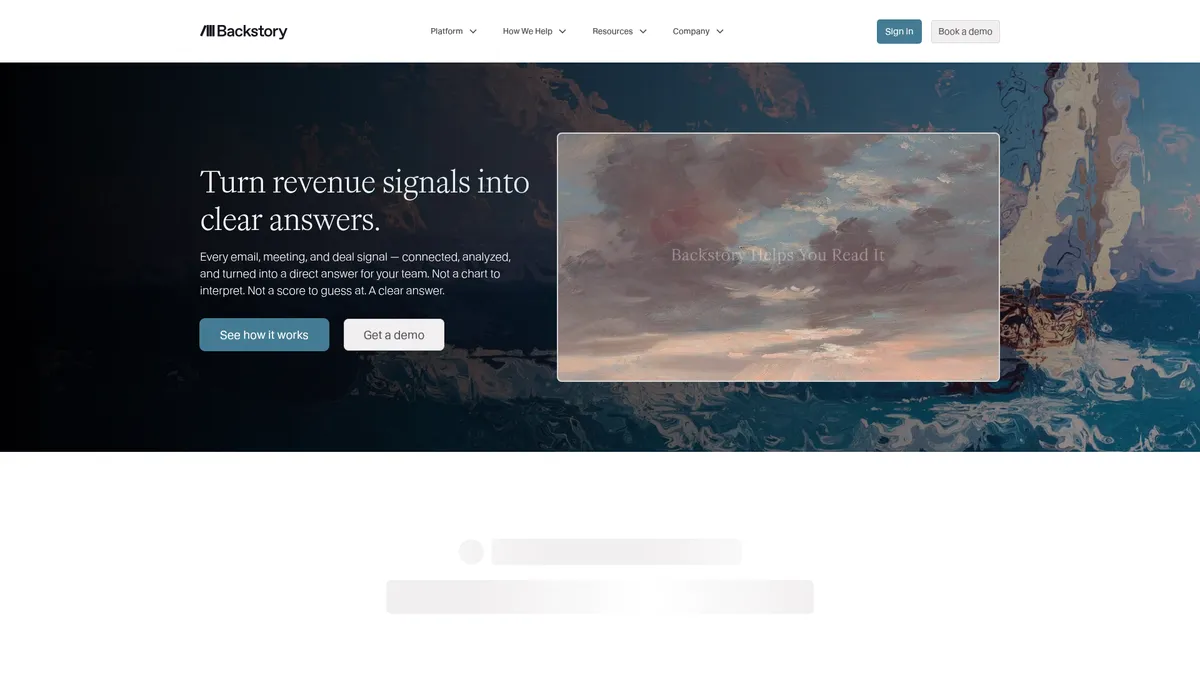
What is Backstory?
How to Use Backstory
Getting started with Backstory is straightforward thanks to its zero-change adoption model. The platform works silently in the background, connecting to your existing tools and automatically capturing customer interactions. Here's how to get up and running in a few steps.
Connect Your CRM and Data Sources
Start by integrating Backstory with your primary CRM (Salesforce, HubSpot, or Microsoft Dynamics) and connecting your email, calendar, and communication tools. The platform will automatically begin capturing customer-facing activities without any manual setup beyond the initial authorization.
Configure Activity Capture and Data Mapping
Backstory automatically maps captured activities to the correct contacts and opportunities. Review the data mapping rules and set up any custom fields or filters to ensure the platform captures the interactions most relevant to your sales process.
Set Up Deal Scorecards and Engagement Metrics
Define your team's scoring criteria for buyer engagement, multi-threading, and activity frequency. Customize scorecards to reflect your sales methodology and set thresholds for deal risk alerts. This tailors Backstory's AI to your specific revenue motions.
Invite Your Team and Assign Roles
Add users across your organization—CROs, sales leaders, RevOps, reps, and marketing. Backstory provides multi-role views, so each team member sees a dashboard tailored to their needs. No training is required for reps; the platform captures data automatically.
Start Acting on Insights and Alerts
Once configured, Backstory will surface real-time deal risk alerts, pipeline health metrics, and next-best-action recommendations. Review the insights daily, act on alerts, and watch your forecast accuracy and revenue operations improve.
Backstory Core Features
Backstory Use Cases
- 1CROs and executives get trustworthy close probabilities and real-time revenue health data for board-level reporting and strategic decision-making.
- 2Sales leaders can identify at-risk deals early, surface missing stakeholders, and drive consistent sales methodology adoption across their teams.
- 3Revenue operations teams automate activity capture, cleanse CRM data, and access rich analytics for process optimization and compliance enforcement.
- 4Account executives and reps receive next-best-action recommendations, engagement scores, and instant alerts when key champions go silent.
- 5Marketing and GTM teams align pipeline data with campaign performance to reveal which outreach strategies actually drive buyer engagement.
Pros and Cons of Backstory
Pros
- Zero-change adoption — captures all sales activity in the background without requiring reps to learn new tools or change their workflow habits.
- Actionable AI insights that move beyond passive dashboards to deliver concrete next-step recommendations and deal-specific guidance.
- Enterprise-scale reliability trusted by major brands like NVIDIA, OpenAI, and Red Hat with proven performance across 100,000+ daily users.
- Full CRM integration with automatic contact creation, opportunity mapping, and data de-duplication that keeps your CRM clean without manual effort.
✕ Cons
- Pricing opacity — no publicly listed tiers or plans; prospective customers must request a custom quote, making budget planning difficult.
- Dependence on data quality — AI accuracy and insights rely on sufficient activity capture; low adoption or incomplete data can limit effectiveness.
- Learning curve for leadership — interpreting AI-generated scores and engagement metrics may require training and mindset shifts for some executives.
Backstory vs Top Alternatives
| Feature | Gong | Clari | Salesforce Einstein |
|---|---|---|---|
| Automatic Activity Capture | Records and transcribes calls and video meetings automatically | Aggregates data from CRM and connected tools with some manual input needed | Limited to activity within Salesforce ecosystem only |
| AI-Powered Deal Risk Alerts | Alerts on deal risks based on conversation analysis | AI-powered deal risk scoring and engagement alerts | Basic predictive lead and opportunity scoring |
| Forecast Accuracy & Reliability | Forecasting derived from conversation intelligence | Strong revenue forecasting with AI-driven accuracy | Forecasting based on Salesforce CRM data alone |
| Zero-Change Adoption | Requires reps to adopt call recording workflow | Requires CRM discipline and consistent data entry from reps | Relies heavily on manual CRM data entry by sales teams |
Backstory Pricing
Starter
- Automatic activity capture
- Basic pipeline dashboard
- Email and calendar integration
- Standard CRM sync
- Email support
Growth
- Everything in Starter
- Deal risk alerts
- Engagement scoring
- Custom scorecards
- Advanced CRM integrations
- Phone and chat support
Enterprise
- Everything in Growth
- Revenue decision engine
- Executive forecast confidence
- Multi-role views
- Professional services & onboarding
- Dedicated support & SLA
- SOC-2 and ISO-27001 compliance
Backstory FAQ
What is Backstory and how does it differ from People.ai?+
How does Backstory capture sales activities without manual entry?+
What CRMs and tools does Backstory integrate with?+
How much does Backstory cost?+
Is Backstory secure and compliant for enterprise use?+
What makes Backstory different from traditional CRM reporting?+
Who is Backstory best suited for?+
Backstory Review — Editor's Score
Who Should Use Backstory?
Backstory is built for mid-market to enterprise revenue teams (50+ users) who want AI-driven sales intelligence without forcing reps to change their workflow. It's ideal for CROs, sales leaders, RevOps teams, and GTM organizations that need real-time deal risk alerts, accurate forecasting, and clean CRM data at scale. Smaller teams or those with very simple sales cycles may find the platform more powerful than they need.
Backstory delivers on its promise of actionable revenue intelligence without burdening sales reps. The zero-change adoption model is a genuine differentiator—no other major platform captures activity this comprehensively with so little friction. The AI-powered insights are sharp and practical, moving well beyond vanity metrics to offer concrete next steps. Pricing opacity and the enterprise focus may alienate smaller teams, but for serious revenue organizations, this is one of the most effective intelligence platforms available.
- Zero-change adoption captures every sales activity automatically without rep effort
- Real-time deal risk alerts and engagement scoring prevent revenue surprises
- Trusted by enterprise leaders like NVIDIA, OpenAI, and Red Hat
- SOC-2 and ISO-27001 certified for enterprise security compliance
📺 Backstory Tutorials & Introduction
Enrich Your Tabletop Backstories with AI RPG Generators *Glowing
Craft AI Characters using REST APIs | Convai Core APIs - YouTube
I'm Building an AI Software Startup (The Honest Process ... - YouTube
Keywords: