

Anytype
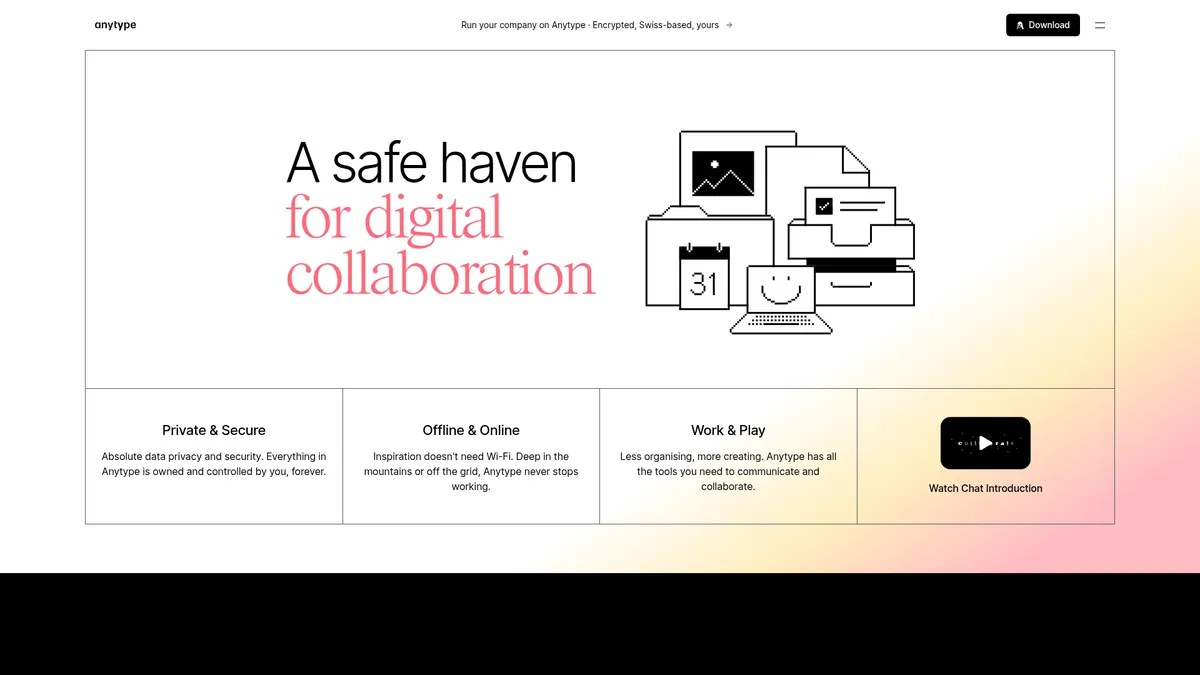
A private, offline-first workspace for your digital life
What is Anytype?
How to Use Anytype
Setting up your first Anytype workspace is quick and intuitive. Follow these steps to create a secure, offline-first digital hub for your notes, projects, and team collaboration.
Download and Install Anytype
Visit anytype.io or your device's app store to download Anytype. The app is available for desktop (Windows, Mac, Linux), iOS, and Android, so you can start on any device that suits your workflow.
Create Your Encrypted Vault
Set up your account by creating a secure passphrase that generates your encryption keys locally. This passphrase is your master key—store it safely in a password manager because it is the only way to access your vault.
Build Your First Page with the Block Editor
Click the '+' button to add different block types: text, headings, images, videos, files, tables, or nested pages. The block-based editor lets you mix content types freely on a single canvas for maximum flexibility.
Organize with Databases and Collections
Create a new object and choose a database view—table, kanban, or gallery. Use relational links to connect objects together, turning your workspace into a powerful knowledge management system.
Sync Across Devices
Install Anytype on another device and log into the same account. The P2P sync engine automatically keeps your vault consistent across all your devices without needing a central server or cloud dependency.
Anytype Core Features
Anytype Use Cases
- 1Personal Knowledge Management - Anytype serves as a private digital brain where you can capture ideas, build interconnected notes, and visualize relationships through the graph view, all secured by local encryption with zero third-party access.
- 2Team Collaboration & Project Management - Teams can create shared workspaces with kanban boards, relational databases, and real-time chat to track tasks and centralize knowledge without relying on third-party cloud servers or exposing sensitive data.
- 3Private CRM & Contact Management - Build relational databases to manage contacts, track interactions, and store client information with the confidence that sensitive business data never leaves your encrypted local vault.
- 4Educational Workflows - Students and educators can organize class notes, collaborate on assignments, and build study libraries with a 50% education discount, all accessible offline for distraction-free learning without internet dependency.
- 5Simple Web Publishing - Use your personal ANY ID to publish static web pages directly from your vault, turning your private workspace into a public portfolio or knowledge base without hosting fees or privacy compromises.
Pros and Cons of Anytype
Pros
- True Data Ownership - Anytype's local-first architecture means encryption keys never leave your device, giving you absolute control over your information with no central server access possible and no data commoditization.
- Offline-First Reliability - You can work seamlessly without internet access, making it ideal for travelers, remote workers, students, or anyone in connectivity-constrained environments who needs uninterrupted productivity.
- Flexible Block-Based Editor - The versatile editor supports virtually any content type from simple notes to complex databases and media-rich documents, all within a single unified workspace with drag-and-drop simplicity.
- Open Source & Extensible - Built on open protocols with a non-profit model, Anytype invites developer contributions and custom integrations, ensuring the platform evolves with community needs rather than corporate priorities.
✕ Cons
- Limited Free Storage - The 100MB remote storage cap on the free tier fills up quickly if you regularly work with images, videos, or large files, often requiring an upgrade sooner than expected.
- Steep Learning Curve - The sheer breadth of features, templates, databases, and customization options can overwhelm new users who just want a simple note-taking experience without configuration overhead.
- Sparse Third-Party Integrations - Compared to mature rivals like Notion or Evernote, Anytype's ecosystem lacks native connections to popular tools like Slack, Google Drive, Zapier, or calendar apps.
Anytype vs Top Alternatives
| Feature | Notion | Obsidian | Coda | Logseq |
|---|---|---|---|---|
| Data Privacy & Ownership | Cloud-based with server-side encryption; company has technical access to data | Local-first with full user control; optional encrypted sync via paid service | Cloud-based with encryption at rest and in transit; standard SaaS data model | Local-first and fully open source; complete data ownership with file-based storage |
| Offline Access | Limited offline support requires manual caching and setup | Full offline access with local vaults; no internet required for core functionality | No offline access; requires persistent internet connection to function | Full offline access; works entirely with local Markdown and Org-mode files |
| Native Collaboration | Real-time editing, comments, and shared workspaces with robust permissions | Plugin-based collaboration; no built-in team chat or real-time co-editing | Real-time collaboration with integrated AI features and automation tools | Git-based collaboration for teams; no native real-time collaborative editing |
| Open Source | Closed source proprietary software with no public codebase | Closed source core application with open plugin ecosystem | Closed source proprietary software | Fully open source under AGPL license with active community contributions |
Anytype Pricing
Free
- 100MB remote storage
- Unlimited private channels
- 10 shared channels
- Peer-to-peer sync
Plus
- 1GB remote storage
- Unlimited shared and private channels
- ANY ID (9+ symbols)
- 30-day money-back guarantee
Pro
- 10GB remote storage
- Unlimited shared and private channels
- ANY ID (7+ symbols)
- 30-day money-back guarantee
Ultra
- 100GB remote storage
- Unlimited shared and private channels
- ANY ID (5+ symbols)
- 30-day money-back guarantee
Business
- Custom remote storage
- SSO and admin controls
- Custom ANY ID
- Dedicated support
Anytype FAQ
What is Anytype and how does it work?+
Is Anytype really free?+
How does Anytype compare to Notion?+
Can I use Anytype offline?+
Is my data secure with Anytype?+
Does Anytype support team collaboration?+
What platforms does Anytype support?+
Anytype Review — Editor's Score
Who Should Use Anytype?
Journalists, researchers, remote teams, students, and small business owners who prioritize data privacy and need a reliable offline-first workspace for notes, projects, and team collaboration without compromising on security.
Anytype is a bold, privacy-first reimagining of the collaborative workspace that delivers on its promises of data ownership and offline reliability. While the learning curve and limited integrations keep it from unseating Notion just yet, its open-source ethos, generous free tier, and innovative P2P sync make it an irresistible choice for privacy-conscious users and teams.
- True data ownership with local encryption and zero-access architecture
- Offline-first design with fast P2P sync across all devices
- Versatile block-based editor combining notes, databases, and chat
📺 Anytype Tutorials & Introduction
AI Agents on Anytype — Alpha Demo - YouTube
Anytype vs Capacities Review: Best AI-Powered Note-Taking Tool in ...
Anytype Tutorial | From Zero to PRO In 6 Steps (Without Confusion)
Keywords: